Continue
Continue is an open-source AI programming assistant plugin that supports VS Code and JetBrains, and can flexibly integrate with any OpenAI-compatible large language model.
Prerequisites
- You have activated a TCB environment and obtained the environment ID
cloudBaseEnvID - Enable the required model in the AI console
- Obtain the
Base URLandAPI Keyin the AI console
Configuration Steps
- Open the configuration file
config.yaml.
You can open it in the following two ways:
Open in IDE (Recommended): At the top of the Continue chat sidebar, click the model/Agent dropdown list, locate Local Config, and then click the gear icon to its right to open config.yaml directly in the editor.
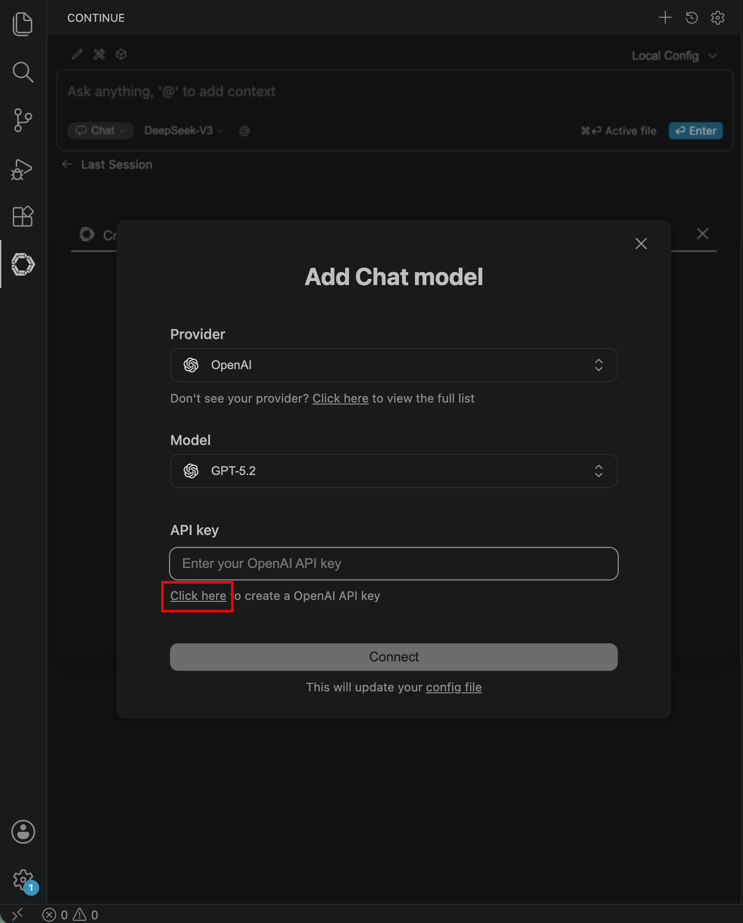
Find in the local file system:
If you use your file browser to locate files, note that the file browser hides files with names starting with a period (.) by default. You may need to enable the hidden files option in your file browser to view them.
On macOS, use the Finder shortcut Command + Shift + . to show hidden files. On Windows, you can show hidden items by selecting "File Explorer - View - Show - Hidden items".
- Configuration Path for Mac/Linux
~/.continue/config.yaml
- Configuration Path for Windows
%USERPROFILE%\.continue\config.yaml
- Add the model configuration to the
modelsfield in the configuration file.
| Field | Explanation |
|---|---|
| name | The display name of the large model, which can be filled in arbitrarily. |
| provider | Enter openai to indicate the use of the OpenAI-compatible protocol. |
| model | The large model ID. Copy the identifier of an enabled large model from the model list in the AI console and enter it here. |
| apiBase | The Base URL for the large model, which is obtained in the AI console. |
| apiKey | The API Key for calling the large model, which is obtained in the AI console. |
| roles | The purpose of the model. Options include chat (conversation) and edit (editing). |
name: Local Config
version: 1.0.0
schema: v1
models:
  - name: "CloudBase hy3"
    provider: "openai"
    model: "hy3"
    apiBase: "https://{{cloudBaseEnvID}}.api.tcloudbasegateway.com/v1/ai/cloudbase"
    apiKey: "eyJhbGciOiJSUzI1N..."
    roles:
      - chat
      - edit
- After saving the file, Continue automatically refreshes the configuration, and the newly added model becomes visible in the model list on the conversation panel.