AI-Native Development
Connect your AI development tools (such as OpenClaw, Cursor, CodeBuddy) with CloudBase for an AI-native development workflow.
Fastest start: Copy the AI Prompt below into your AI IDE. The agent will follow skill.md.
Help me get set up with CloudBase. Do the following:
1. Open https://docs.cloudbase.net/skill.md and follow the instructions.
2. When done, tell me you're ready and suggest the most relevant next steps.
AI-native development means:
- Describe requirements in natural language, and AI completes the full workflow from code generation to deployment
- Operate cloud services directly in chat: create databases, deploy cloud functions, configure static hosting—no manual console work
- Fix issues based on error logs, making development smoother
AI handles code generation and troubleshooting; CloudBase provides the runtime. Together, you can focus on business logic instead of infrastructure.
Step 1: Connect CloudBase (plugin recommended)
Prefer the one-click plugin (MCP + Skills + Hooks). You can also configure MCP manually, or install Skills only. Full decision tree: skill.md.
Select your AI development tool. Click an icon below for the matching install guide.
Click the icons below to connect the corresponding tool


















Step 2: Install CloudBase AI Skills as Needed (Optional)
If you already installed the plugin, you usually do not need Skills separately. Skills-only:
npx skills add tencentcloudbase/cloudbase-skills
You can also have the AI read Setup Skill to self-guide through the configuration.
See How to Use Skills for details.
Step 3: Start AI-Native Development
After setup is ready, choose a prompt to get started.
Finish MCP setup first, then select a prompt to start your AI-native development journey
身份认证
数据库
后端开发
应用集成
AI
Core Capabilities
After connecting, your AI IDE gains these capabilities:
- Database development: create tables/collections and generate CRUD code
- Cloud function development: generate function code and deploy
- Intelligent fixing: analyze logs and generate patches
- Domain knowledge: built-in CloudBase, WeChat Mini Program, and other specialized knowledge bases
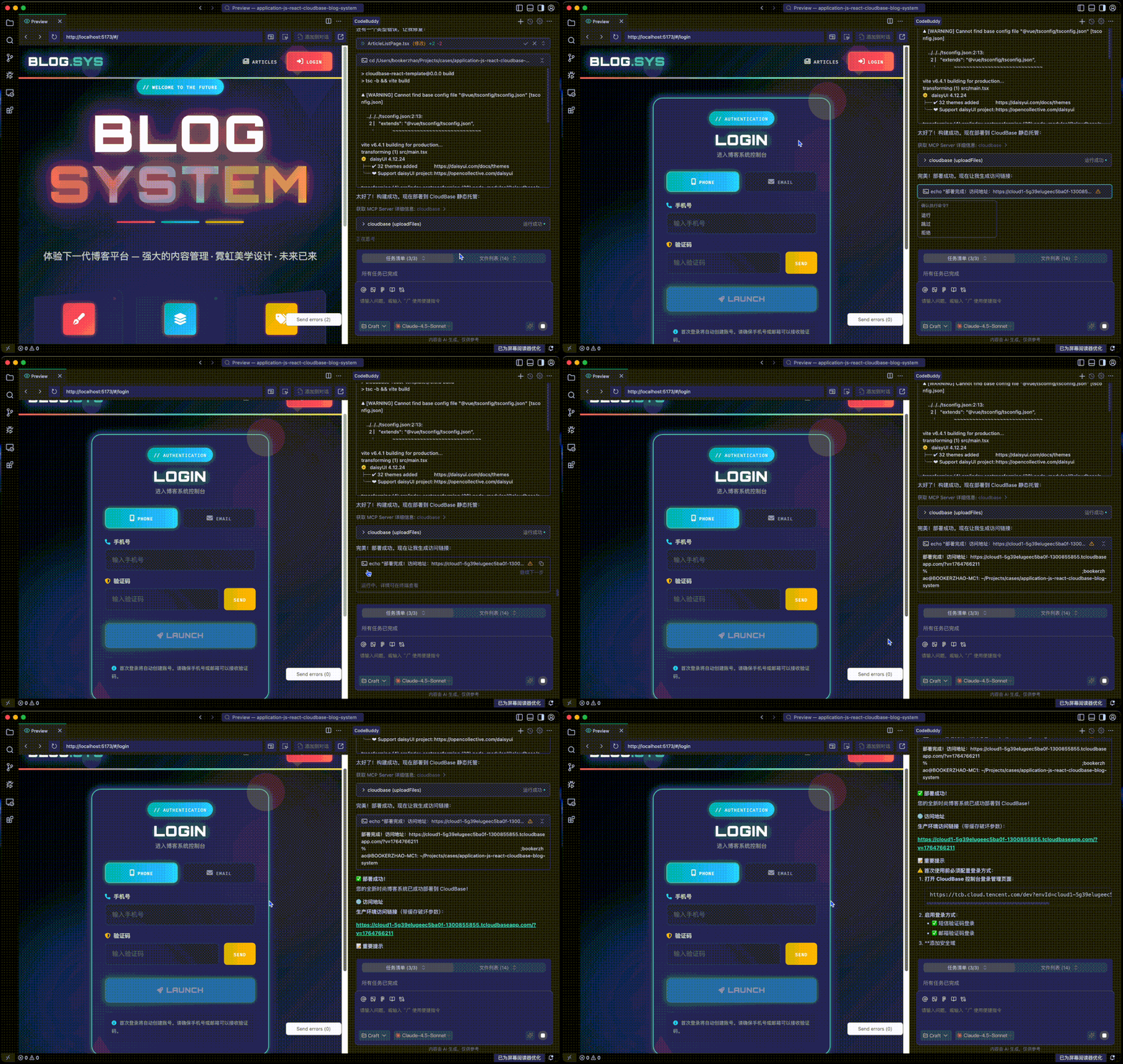
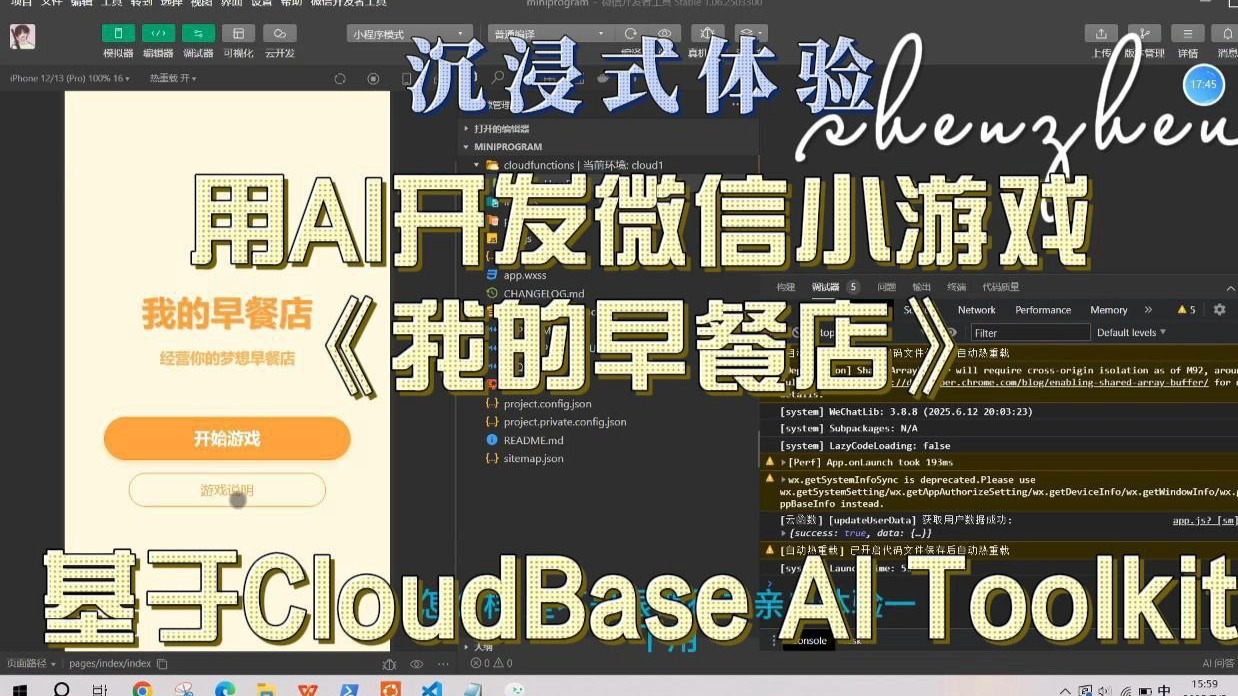
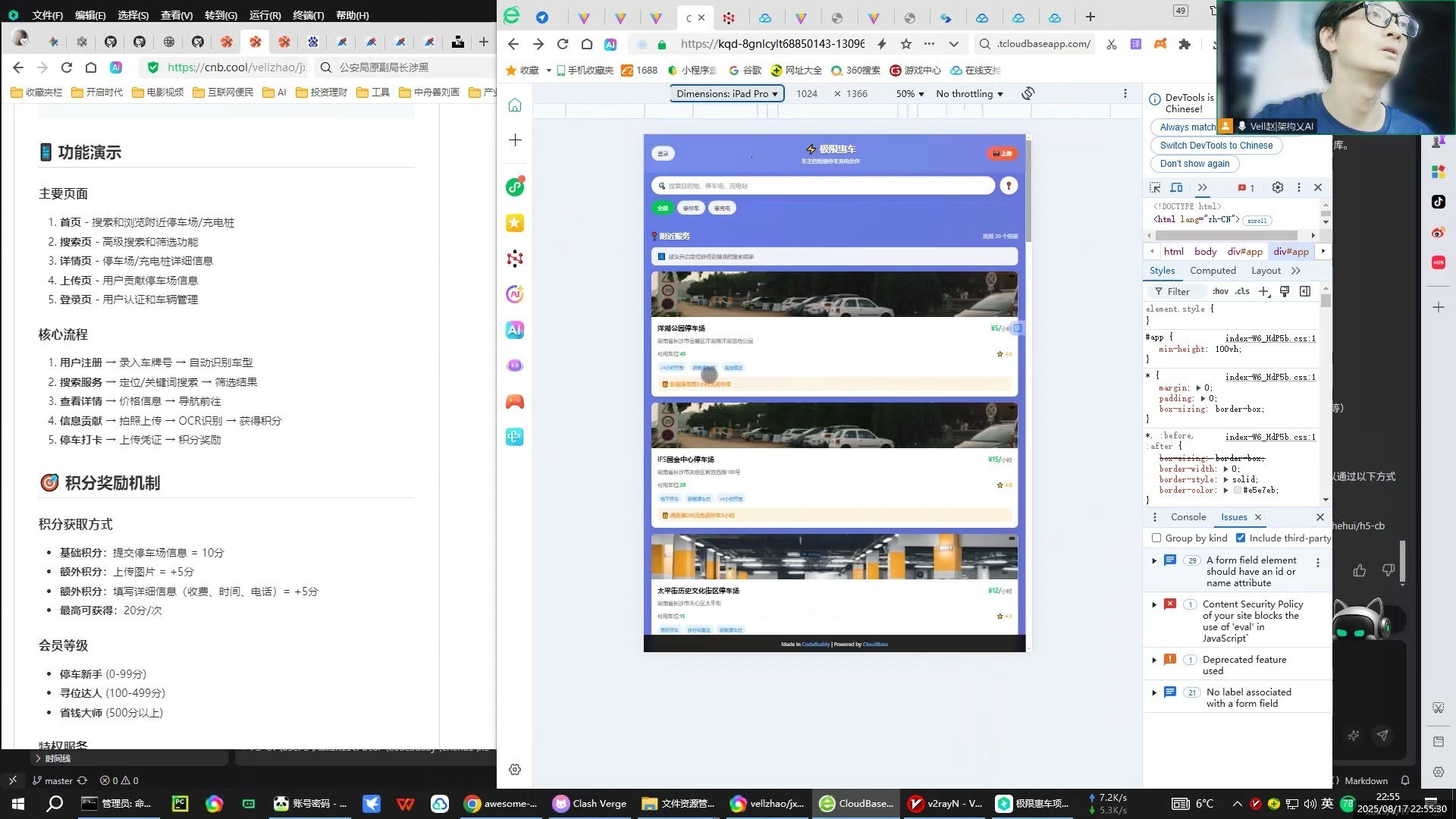
Video Tutorials
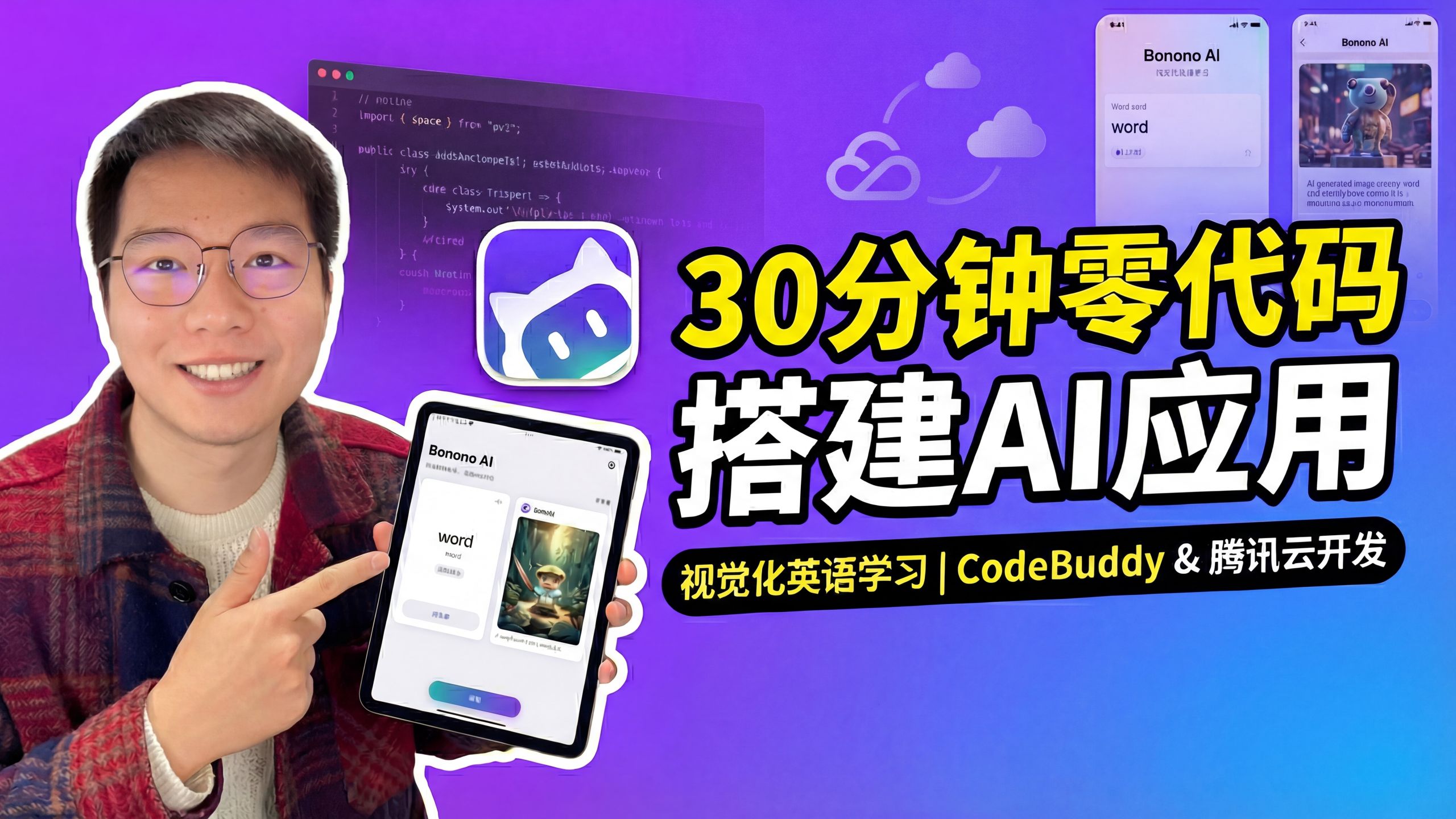
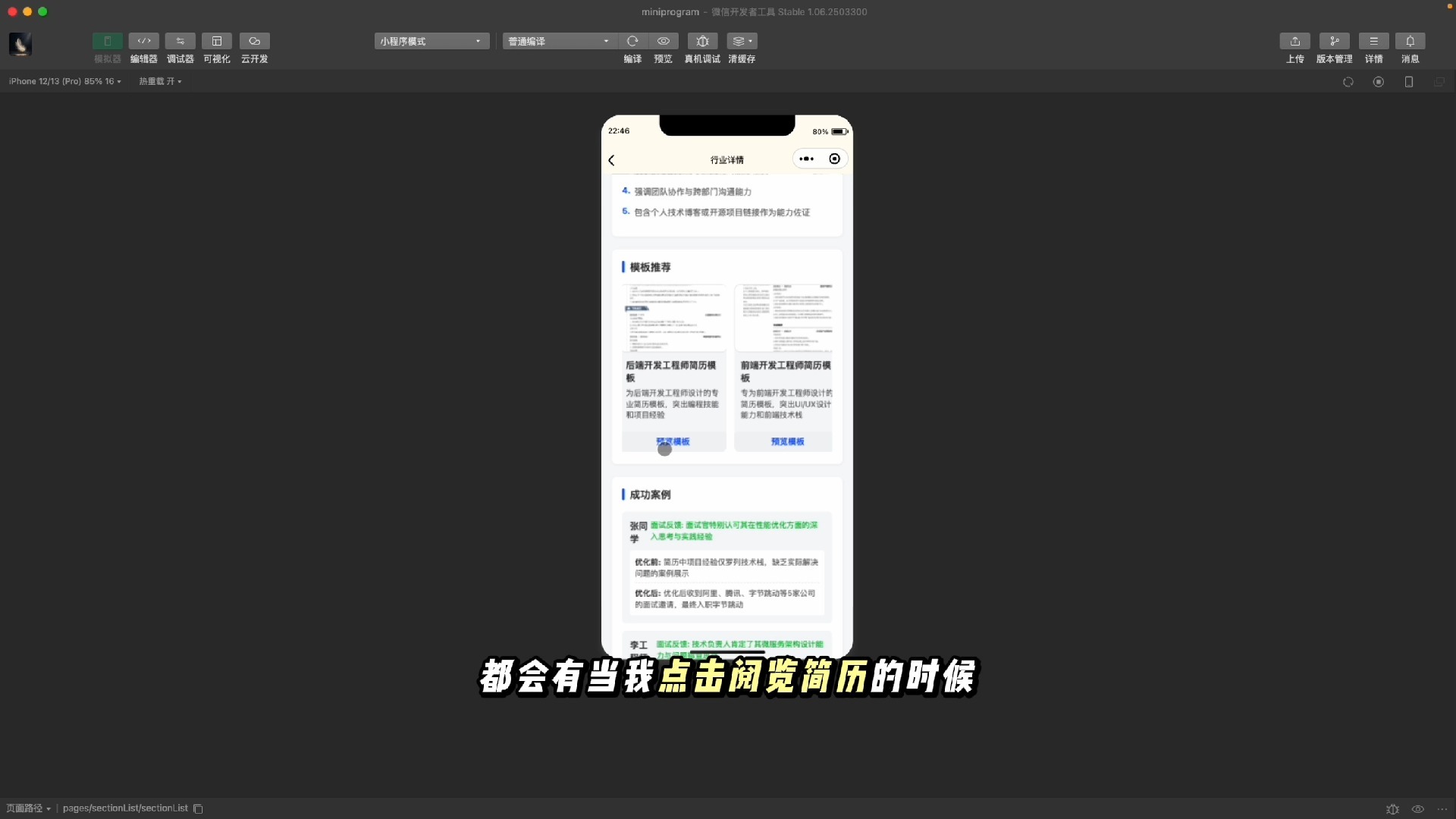
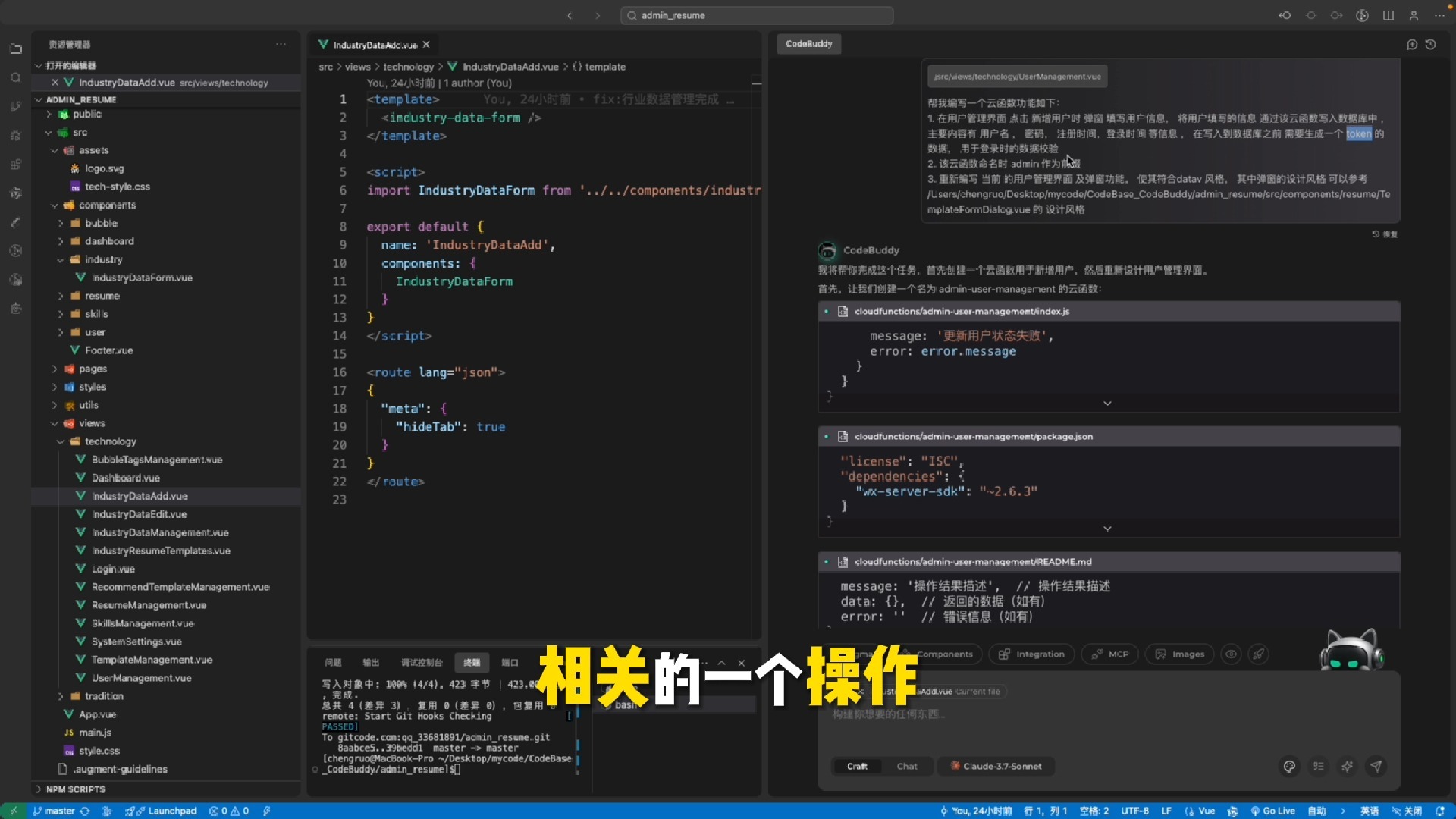
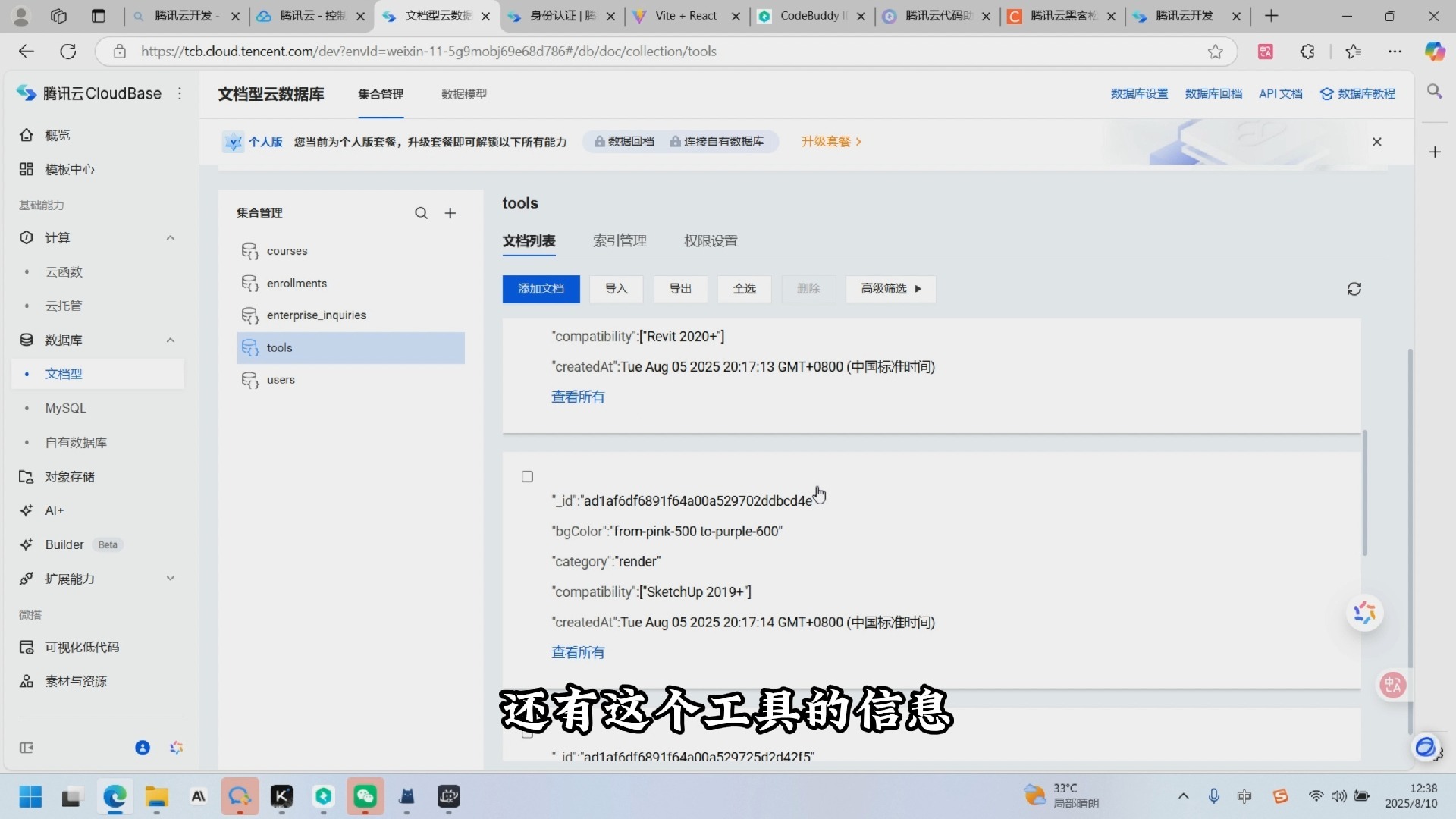
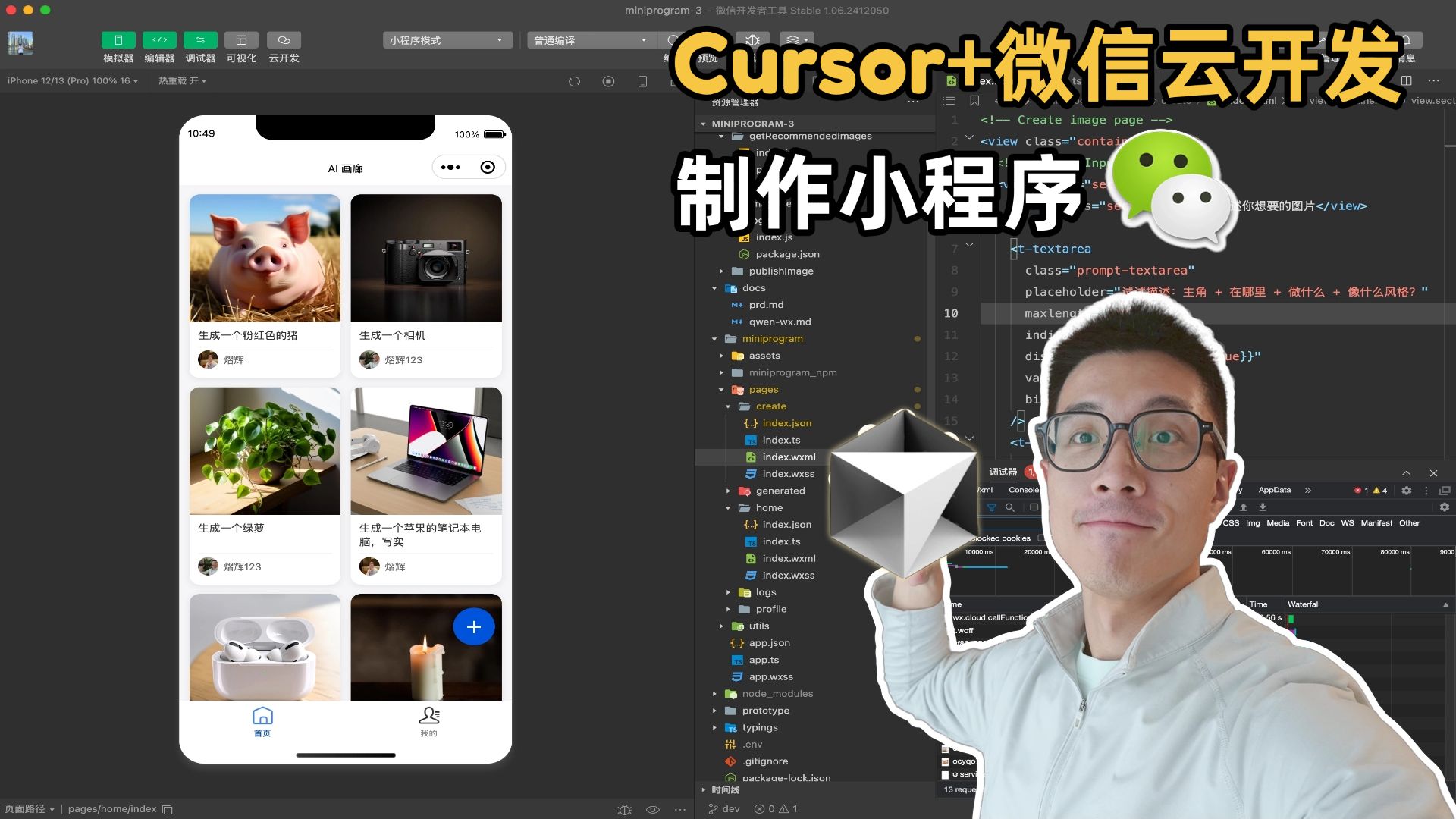
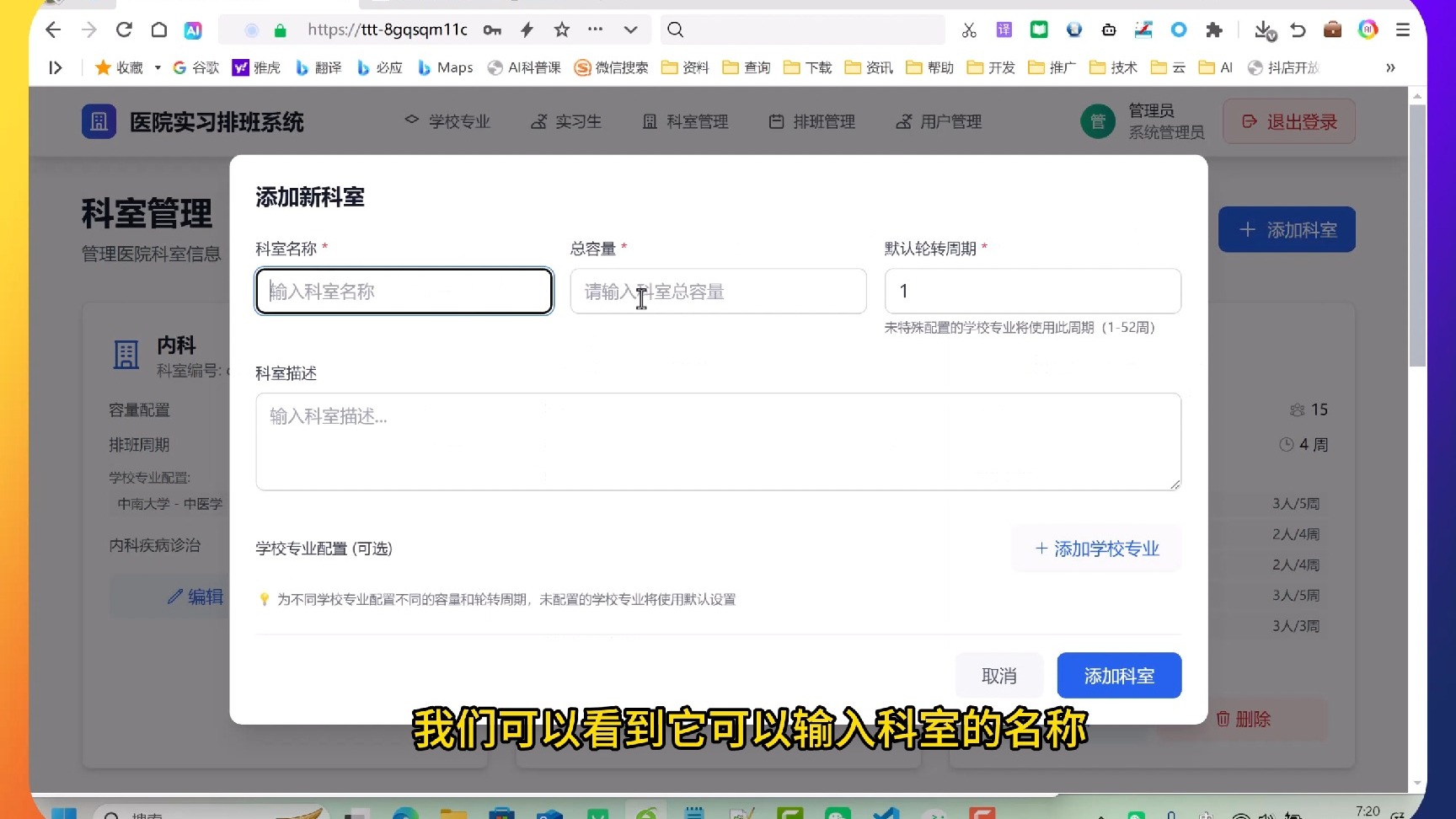
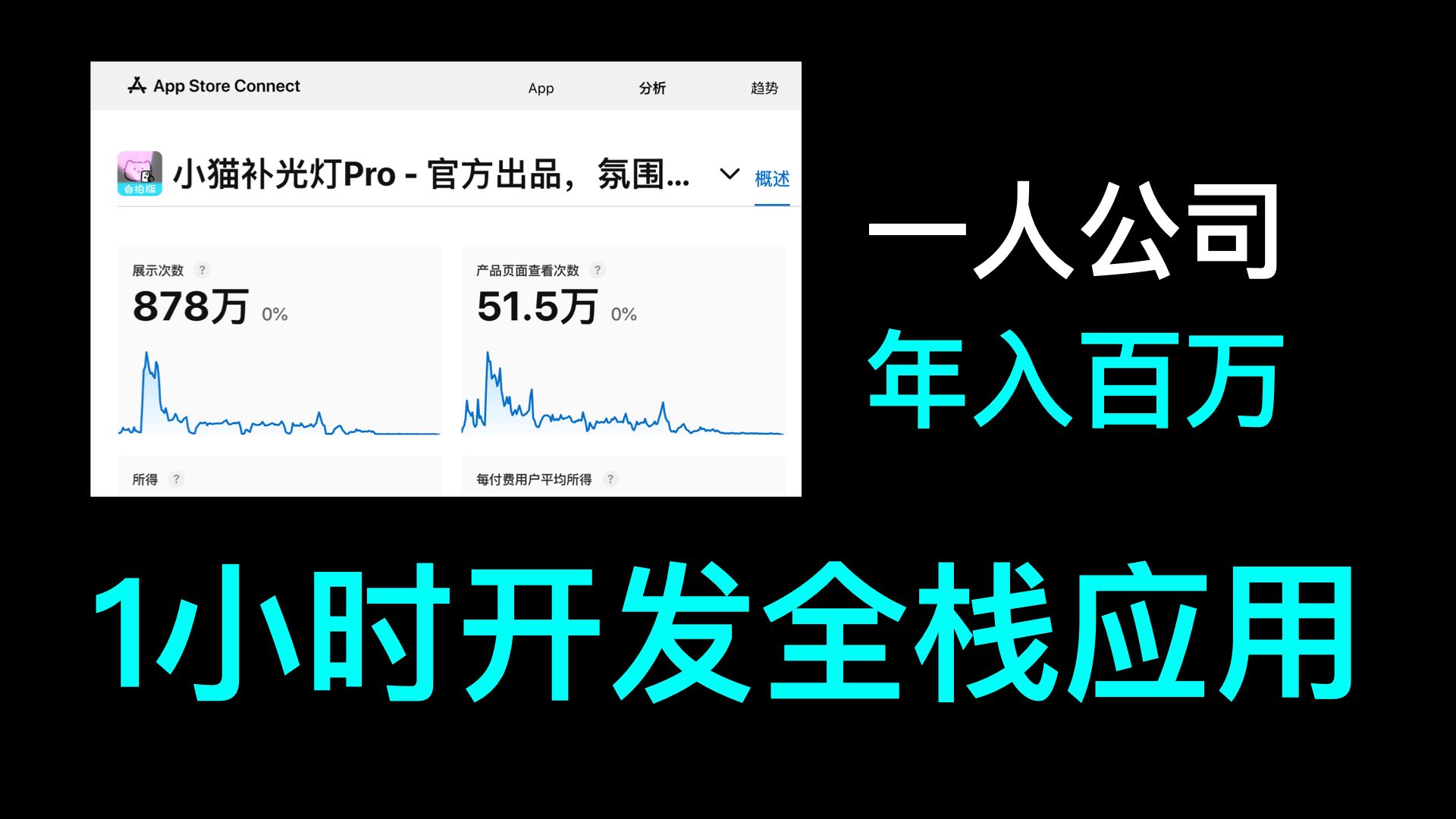
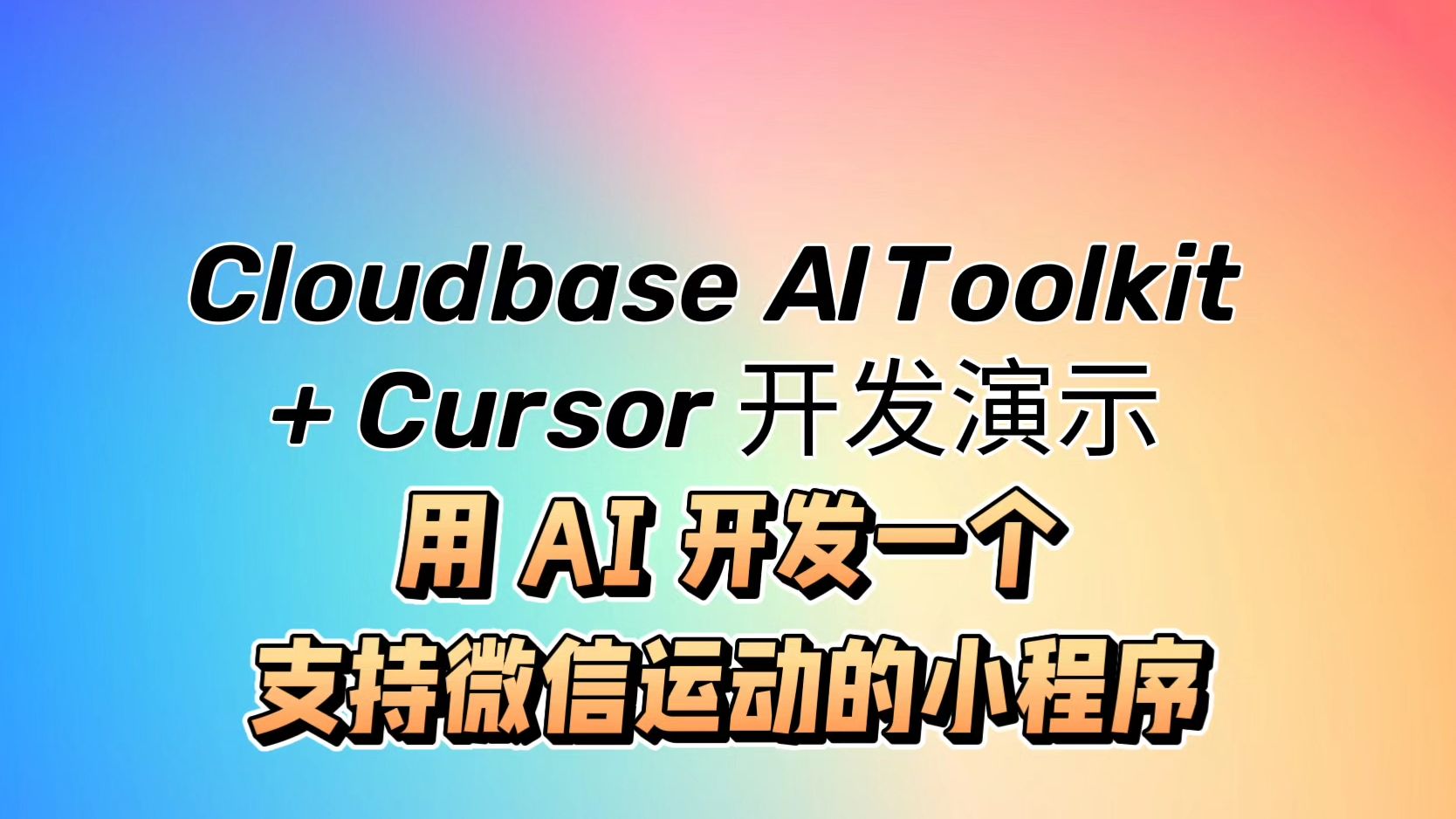
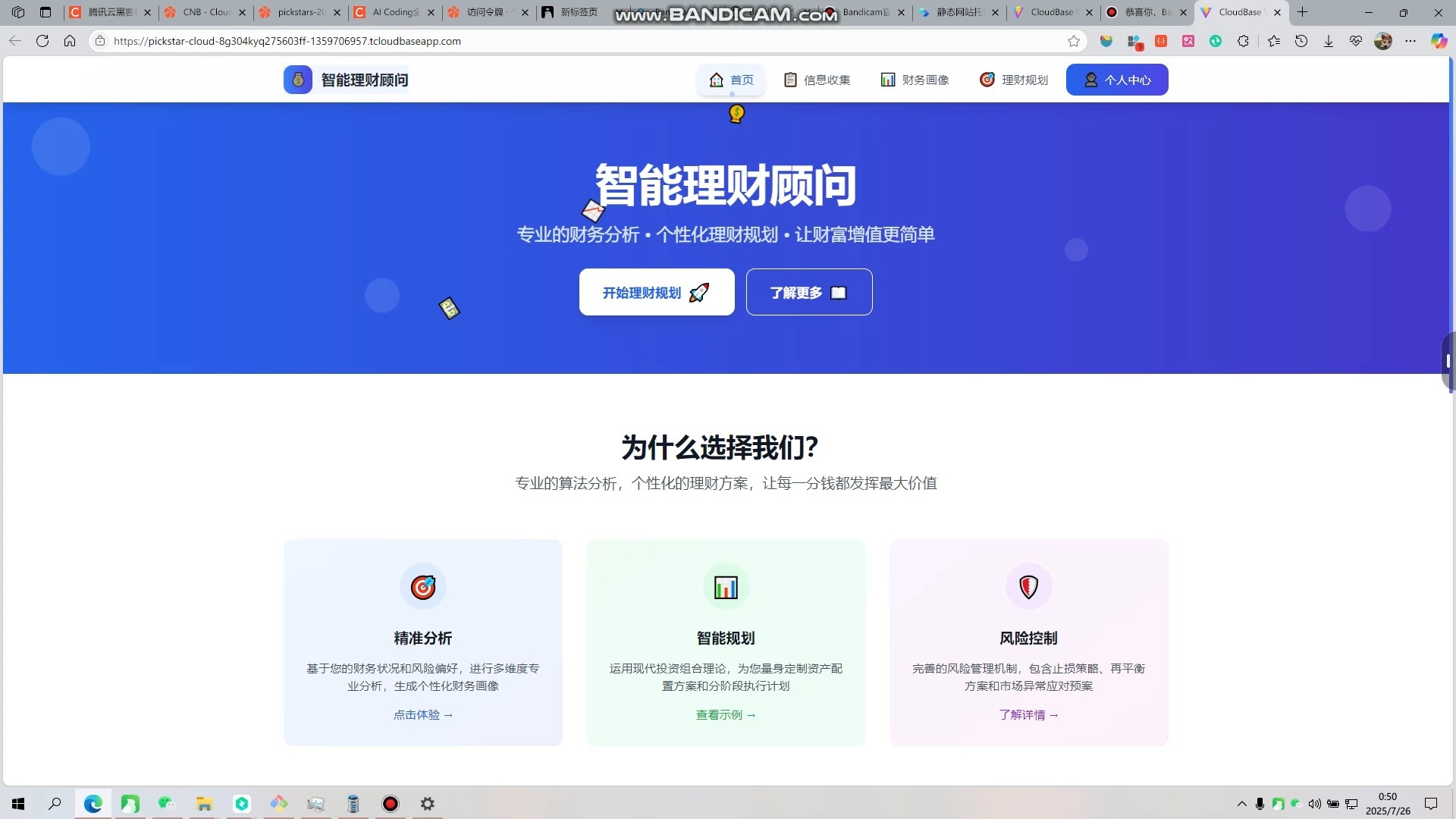
Want to learn CloudBase AI ToolKit through videos? See our tutorials and hands-on cases:
视频教程








文章
How It Works
Open Source


Repositories:
- GitHub: https://github.com/TencentCloudBase/CloudBase-AI-ToolKit
- CNB: https://cnb.cool/tencent/cloud/cloudbase/CloudBase-AI-ToolKit
Community
CloudBase AI Coding WeChat Group

Scan to join the CloudBase AI Coding WeChat group