WeChat DevTools Setup Guide
CloudBase AI ToolKit helps you build, debug, and deploy Mini Programs with natural language. Start with Write WeChat Mini Programs with AI. WeChat guide: DevTools Skills.
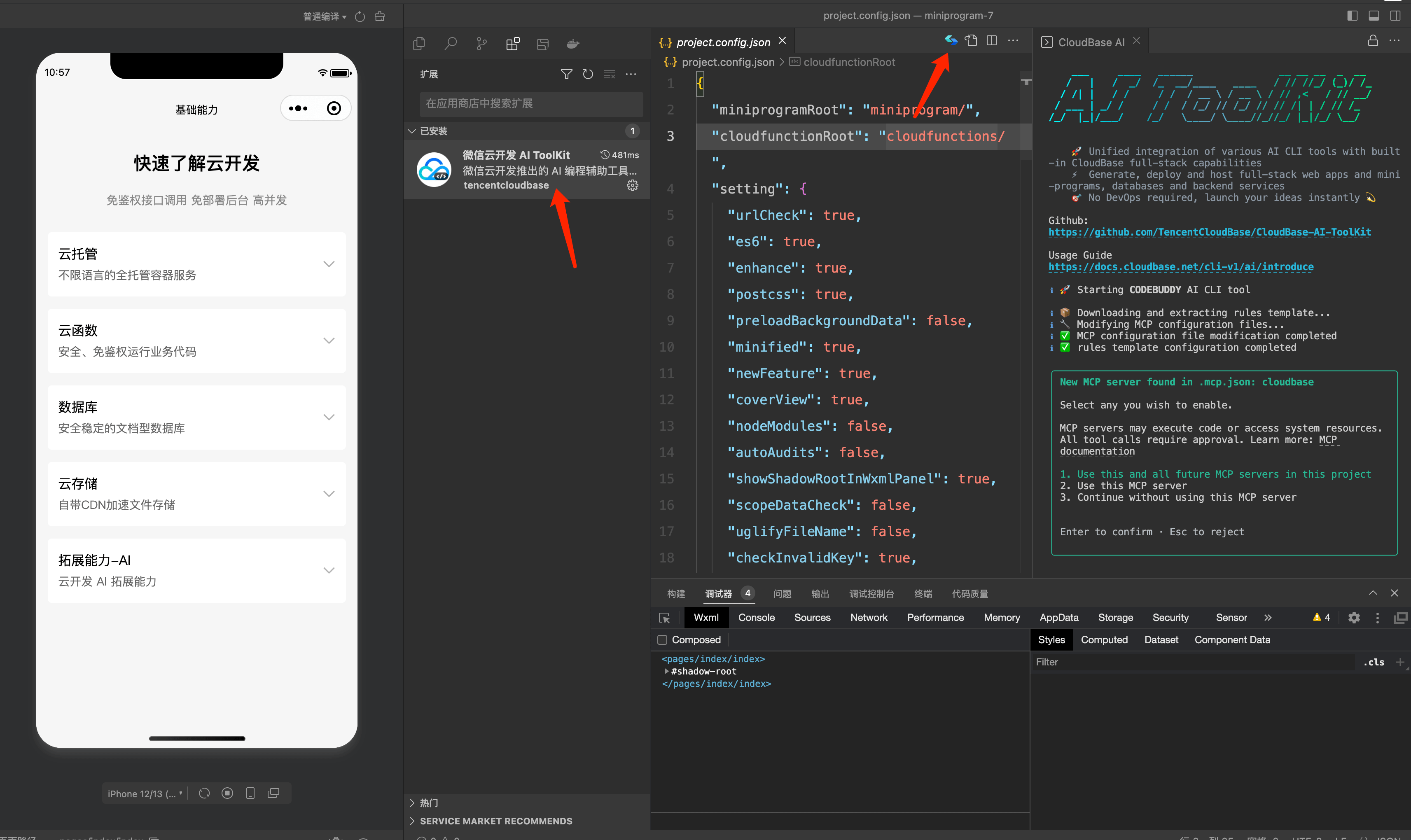
Examples:
- "Build a Mini Program ordering app with CloudBase" — AI scaffolds pages, database, and cloud functions, then guides preview
- "Build a booking system with status updates" — AI models data, sets permissions, and wires frontend/backend
- "Add phone-number login to a Web app" — AI enables auth and integrates the CloudBase SDK
No need to switch to the cloud console — use natural language in your AI IDE.
Prerequisites
Before you start, make sure you have:
WeChat Developer Tools Nightly installed
AI preview / debug ships with Nightly; Stable often does not. Nightly only affects local development — not a different publish channel.
- Download: Nightly Build
- Sign in with WeChat; keep DevTools open while coding
- Version and menu labels follow DevTools Skills
CloudBase environment ready
CloudBase environment: See Create a CloudBase environment. New users on the domestic site can start for free.
Connect DevTools to your AI
Two paths: built-in DevTools AI, or an external Agent (CodeBuddy, Cursor, etc.) with the Skill imported. Steps: Write WeChat Mini Programs with AI. Menus and versions follow WeChat’s DevTools Skills.
Choose and configure your AI tool
This client ships CloudBase built in. Setup follows its own marketplace or connectors, and the site follows your login state — nothing to pick here.
Configure your AI tool to connect with CloudBase capabilities. Supports local and remote connection. See connection modes.
Step 1: Install / Configure CloudBase
Step 2: Chat with AI
Enter the following in your AI chat in order:
Read https://docs.cloudbase.net/skill.md and tell me what it can doUse CloudBase Skills: Check whether DevTools is signed in; then build a WeChat Mini Program sample with CloudBase login and a list page, and preview itExternal Agents: import the DevTools Skill
- Nightly signed in and open.
- Menu → Export DevTools Skill → import into the Agent; or run
wechatideand give the printed path to the Agent. - Allow the first auth popup.
- Ask: “Check whether DevTools is signed in, and preview this Mini Program.”
If you use the selector’s built-in WeChat DevTools entry, you usually do not need to export the Skill.
Local CLI (troubleshooting)
wechatide

wechatide -c CodeBuddy -t check_devtools_status --skill-version <versionFromSkillYaml>

wechatide -c CodeBuddy -t cloud_env_list --help
Replace CodeBuddy with your Agent name.
Tips
Permission modes
CodeBuddy provides permission modes for tool approval. Toggle with:
| Shortcut | Notes |
|---|---|
Shift+Tab (macOS/Linux) | Cycle permission modes |
Alt+M (Windows) | Cycle permission modes |
Order: default → bypassPermissions → acceptEdits → auto (when available) → plan → delegate
| Mode | Description |
|---|---|
| default | Ask for confirmation according to permission rules |
| bypassPermissions | Skip all permission checks |
| acceptEdits | Auto-approve file edits; other tools still need confirmation |
| plan | AI drafts a plan and waits for approval before executing |
See interactive modes.
Other common shortcuts
| Shortcut | Notes |
|---|---|
Ctrl+O | Toggle verbose output (tool use and execution details) |
Ctrl+L | Clear the terminal screen; keep conversation history |
Tab | Toggle thinking mode (on/off) |
Option+P (macOS) / Alt+P (Windows/Linux) | Switch models quickly |
Sample prompts
Copy these prompts and describe your needs in natural language — AI will handle the development work.
Pages and features
- "Create a product list page with image, title, price, and add-to-cart"
- "Improve this function to add product search"
Code optimization and refactoring
- "Tighten spacing on this page to increase information density"
- "Improve error handling for cloud function calls"
Configure CloudBase AI models for CodeBuddy
You can drive CodeBuddy with CloudBase AI models:
- Enable a model in the AI console and copy
Base URL/API Key - In CodeBuddy, open Agents
- Choose Configure custom model
- Paste
Base URL,API Key, and model name, then save
See also: Configure CloudBase models in CodeBuddy | models.json guide
FAQ
Q: AI ToolKit does not work?
A: Install and sign in to Nightly, import the Skill via Export DevTools Skill (or wechatide) into your Agent, and allow the first auth popup. You can also ask the Agent to “check whether DevTools is signed in.”
Q: I have DevTools but the Agent cannot connect / no Skills? A: Use Nightly from the download page (not Stable alone), import the Skill for external Agents, and confirm the first auth popup was allowed. Version requirements: DevTools Skills.
Q: How do I switch permission modes?
A: Shift+Tab (macOS/Linux) or Alt+M (Windows).
More: FAQ