Platform Uninstallation Guide
This document will guide you through the complete uninstallation of the WeDa private deployment platform, including stopping services, removing containers, and cleaning up data.
Pre-uninstallation Preparation
- Data Backup: Please ensure important data is backed up before uninstallation, as deleted data cannot be recovered
- Installation Directory: Default installation directory is
/data/tencent/weda - Operation Permissions: Root privileges are required to perform uninstallation operations
Uninstallation Steps
Step 1: Stop Services
First, stop all running service containers:
cd /data/tencent/weda
docker-compose --profile all stop
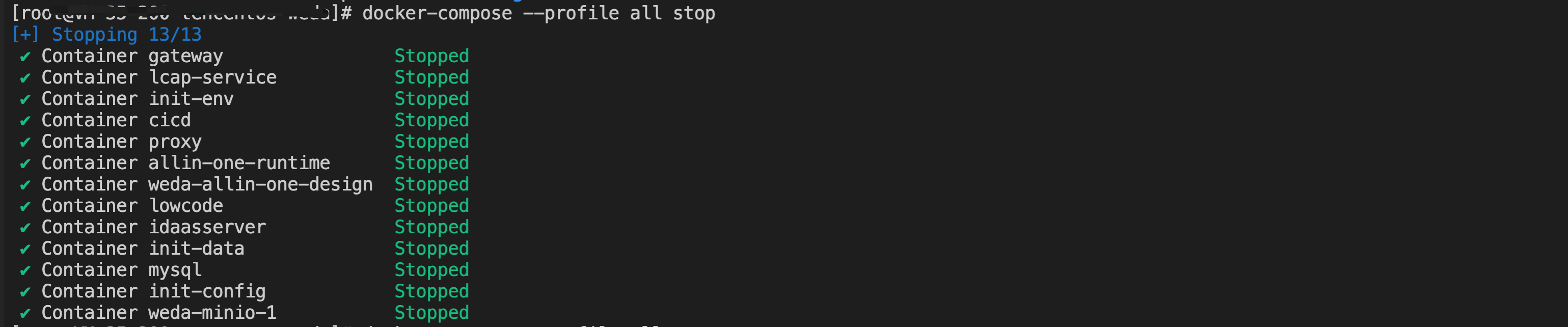
Step 2: Remove Containers
Remove all related Docker containers:
docker-compose --profile all rm
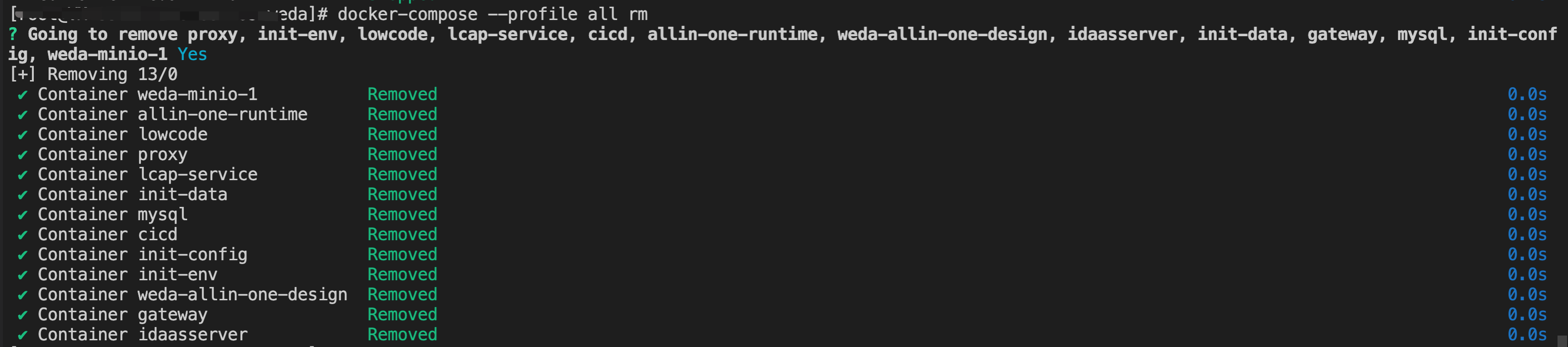
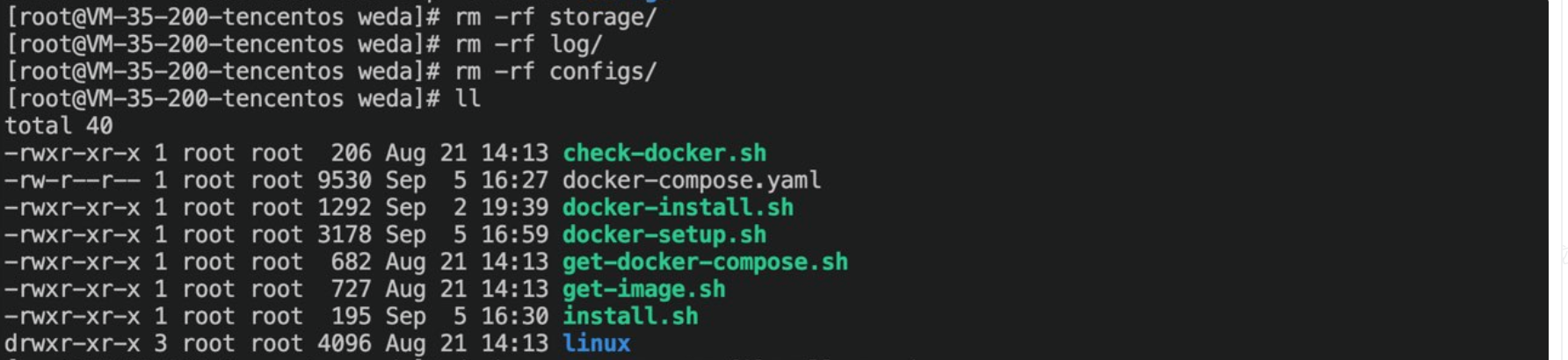
Step 3: Clean Data Directories
Executing the following commands will permanently delete all platform data, including:
- Configuration files (configs)
- Log files (logs)
- Database and storage data (storage)
This operation is irreversible, please proceed with caution!
# Remove configuration files directory
rm -rf configs

# Remove log files directory
rm -rf logs

# Remove data storage directory
rm -rf storage
Uninstallation Verification
After completing the above steps, you can verify the successful uninstallation through the following methods:
-
Check Container Status
docker ps -a | grep wedaNo related containers should be displayed
-
Check Directory Cleanup
ls -la /data/tencent/weda/Related directories should have been deleted
-
Check Port Usage
netstat -tlnp | grep :80Port 80 should no longer be occupied
Optional Operations
Clean Docker Images
If you need to completely clean related Docker images to free up disk space:
# View WeDa-related images
docker images | grep weda

# Remove unnecessary images (please choose based on actual situation)
docker rmi <Image ID>
Clean Installation Directory
If you need to completely remove the installation directory:
# Caution: Remove the entire installation directory
rm -rf /data/tencent/weda
Summary
Through the above steps, you have successfully completed the uninstallation of the WeDa private deployment platform:
- ✅ Stopped all running services
- ✅ Removed related Docker containers
- ✅ Cleaned up all platform data and configurations
- ✅ Verified uninstallation results
If you need to redeploy in the future, please refer to the Deployment Process Documentation for a fresh installation.