Data Table Should Stay on Current Page After Deleting a Row
Scenario Description
By default, after deleting a row in a data table, it resets to the first page. In some business scenarios, it is necessary to keep the current page number unchanged after deletion.
Implementation Steps
-
Create two numeric variables: wantPagNo, changePagNo
-
wantPagNo: default page number, default value is 1, the data table's page number property is bound to this variable.
-
changePagNo: stores the current page number, default value is 1, its value is updated by the data table's pagination event trigger assignment.
-
-
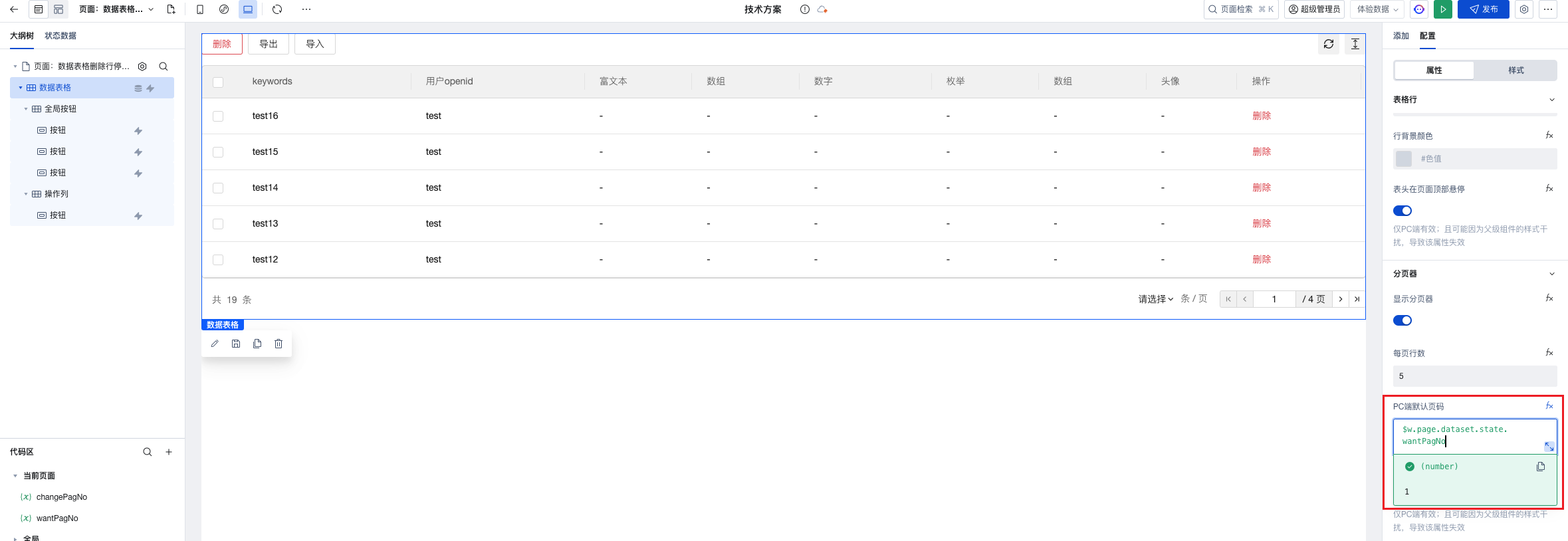
Bind the data table's page number to the variable wantPagNo, set to
-
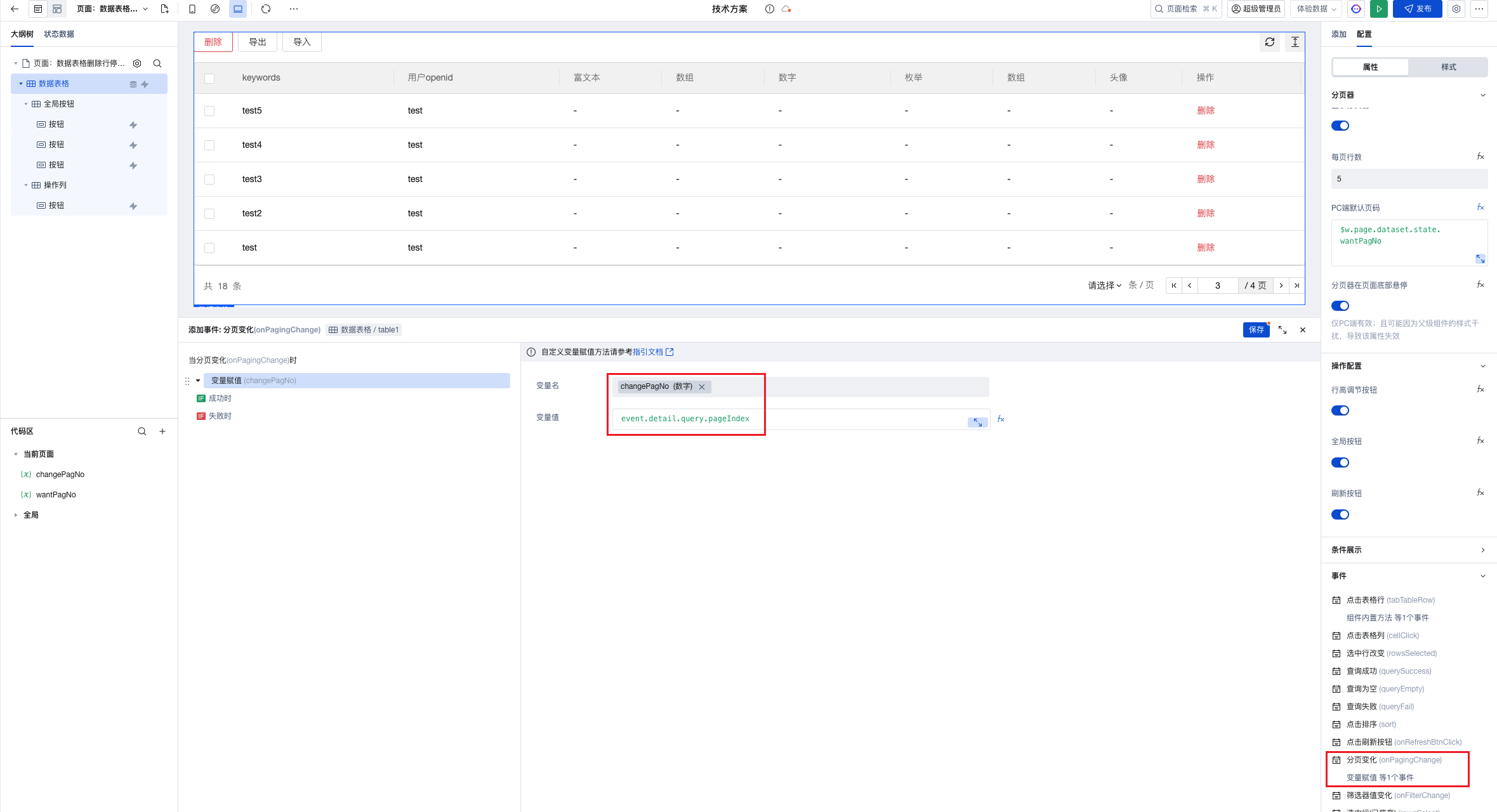
In the data table pagination event, assign the current page number to the variable changePagNo.
-
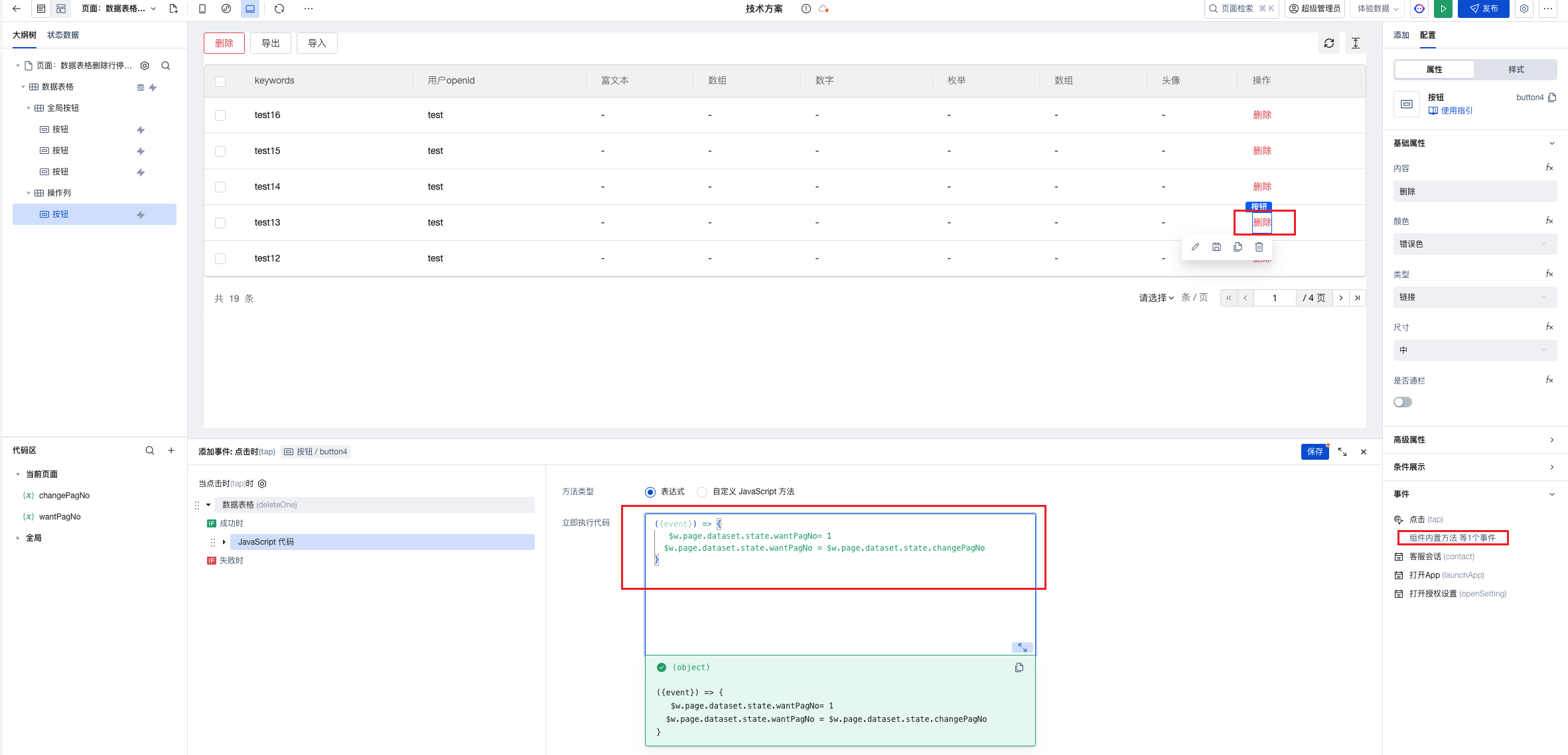
Execute the expression method in the data table's delete row button
({ event }) => {
  // Reset the default page number to 1
  $w.page.dataset.state.wantPagNo = 1;
  // Reassign the default page number
  $w.page.dataset.state.wantPagNo = $w.page.dataset.state.changePagNo;
};