Data List Configuration Association Query
Scenario Description
Implementing Data Filtering by Associated Model Fields in the Data List Component
Implementation Steps
-
Here taking the many-to-one association field as an example, assume there is a data model: Test_Student in a many-to-one association with Test_Interest, and the association identifier name is: Many-to-1 Association Interest

-
Taking Test_Student as the primary model and Test_Interest as the sub-model (associated model), configure the data source of the data list as the primary model.
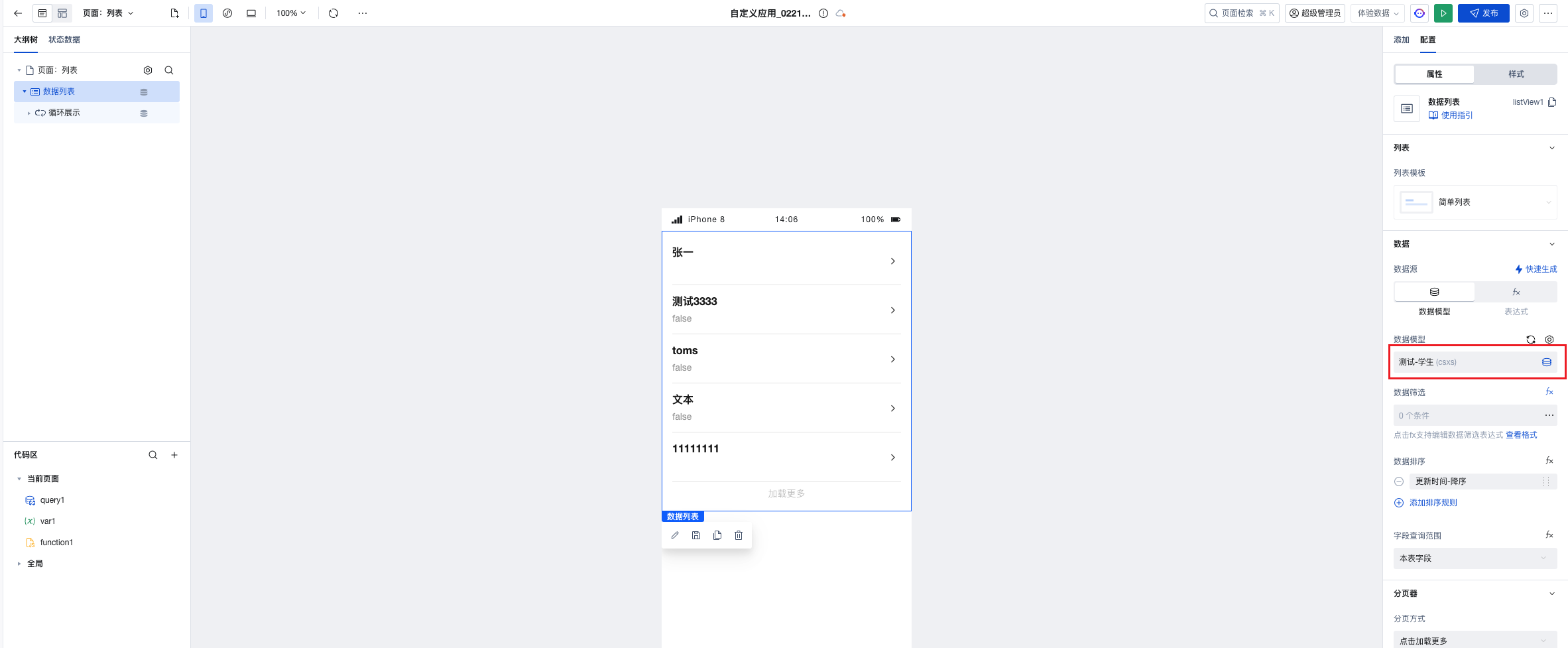
-
Data Model Display
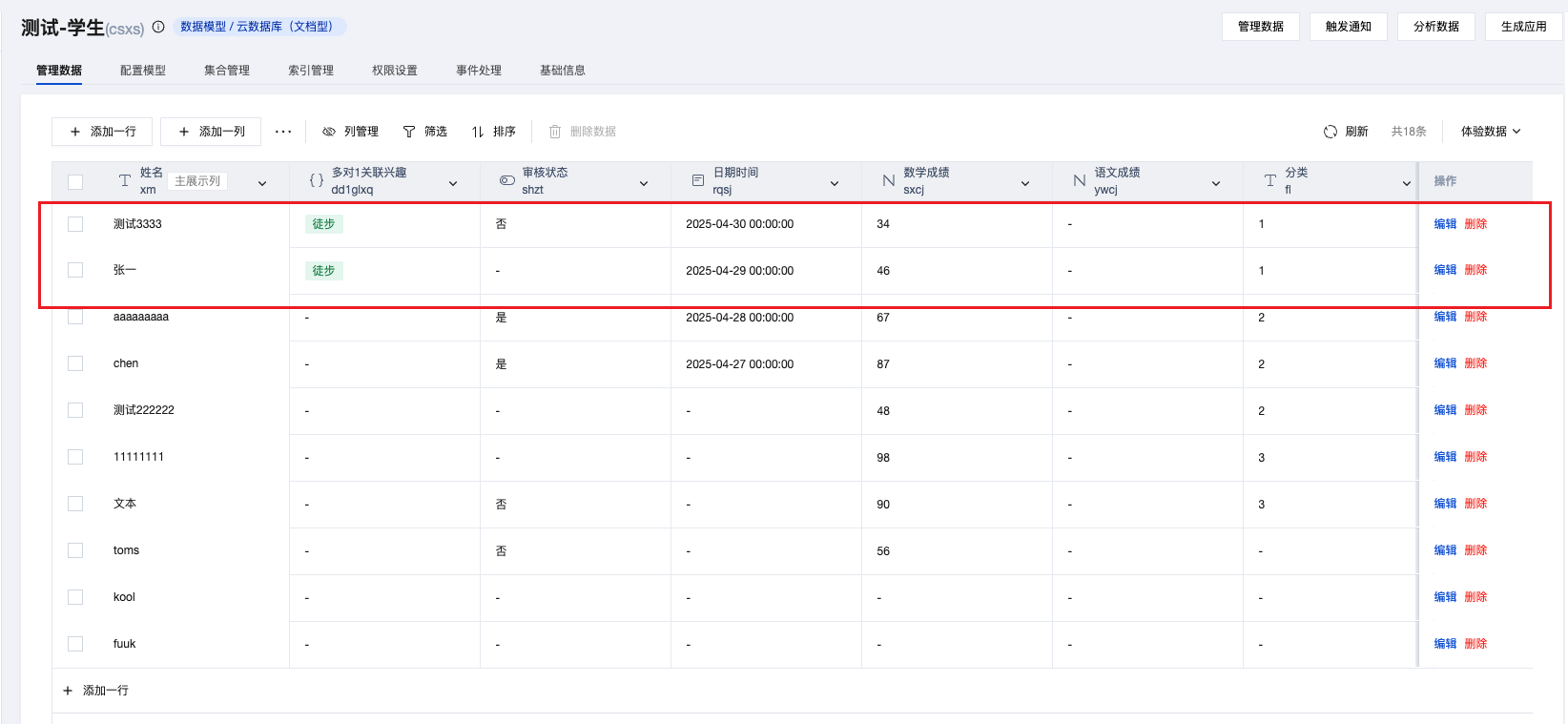
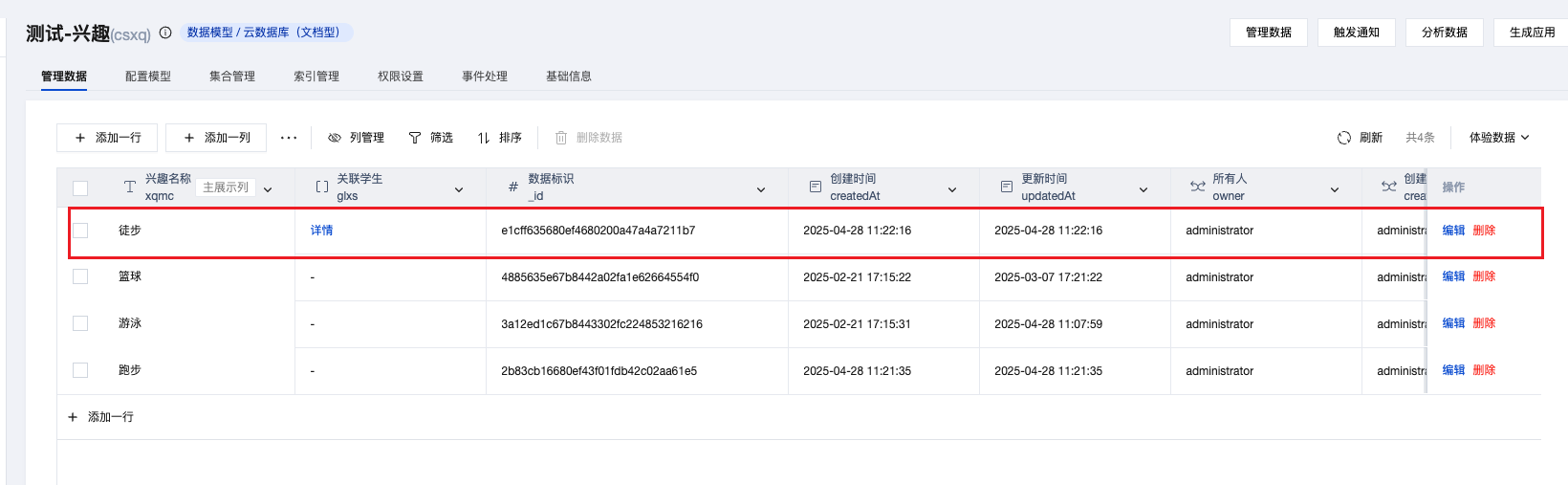
Query by Associated Data Identifier
- To filter by sub-model data identifier, simply fill in the corresponding data identifier from the sub-model in the query visual panel.

Query by Associated Field
-
Filter by a field in the sub-model, for example, query data in the sub-model where the interest name is "hiking"
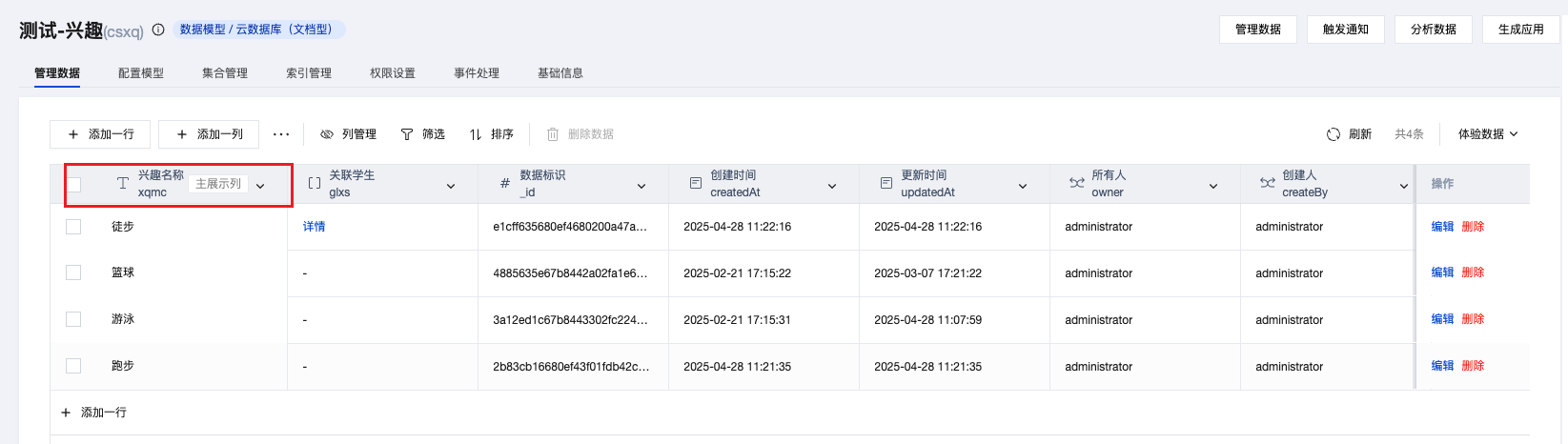
5.1. Switch to fx mode for data filtering, enter the following code, and write the query conditions for the sub-model in relateWhere
({where: {},relateWhere: {dd1glxq: {where: {$and: [{xqmc: {$eq: "hiking",},},],},},},});
5.2. The query scope of the data list fields is set to all fields.
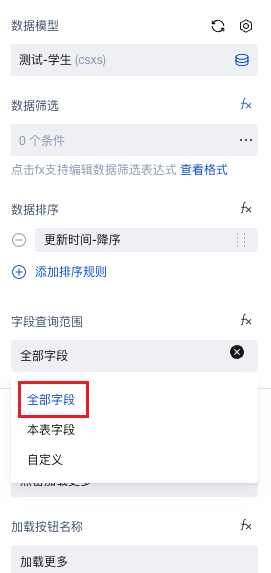
5.3. Data filtering succeeded.
