Testing Cloud Function
This document details how to use the testing, log viewing, and monitoring features provided by CloudBase to help developers efficiently debug and monitor the running status of cloud functions.
Prerequisites
Before testing and monitoring the cloud function, make sure:
- The Tencent CloudBase environment has been created
- At least one cloud function has been deployed
- Appropriate access permissions have been granted
Cloud Function Testing
CloudBase provides multiple cloud function testing methods, supporting online debugging and local testing to help developers debug code more conveniently.
- CloudBase Console
- WeChat DevTools
Console Testing
Through the CloudBase console, you can quickly test the execution of cloud functions.
Test Steps
- In the console's corresponding cloud function management panel, click the 'Test' button to open the test pop-up.
- Select a test template or customize test parameters
- Click 'Execute' to run the test
- View the execution result and log output
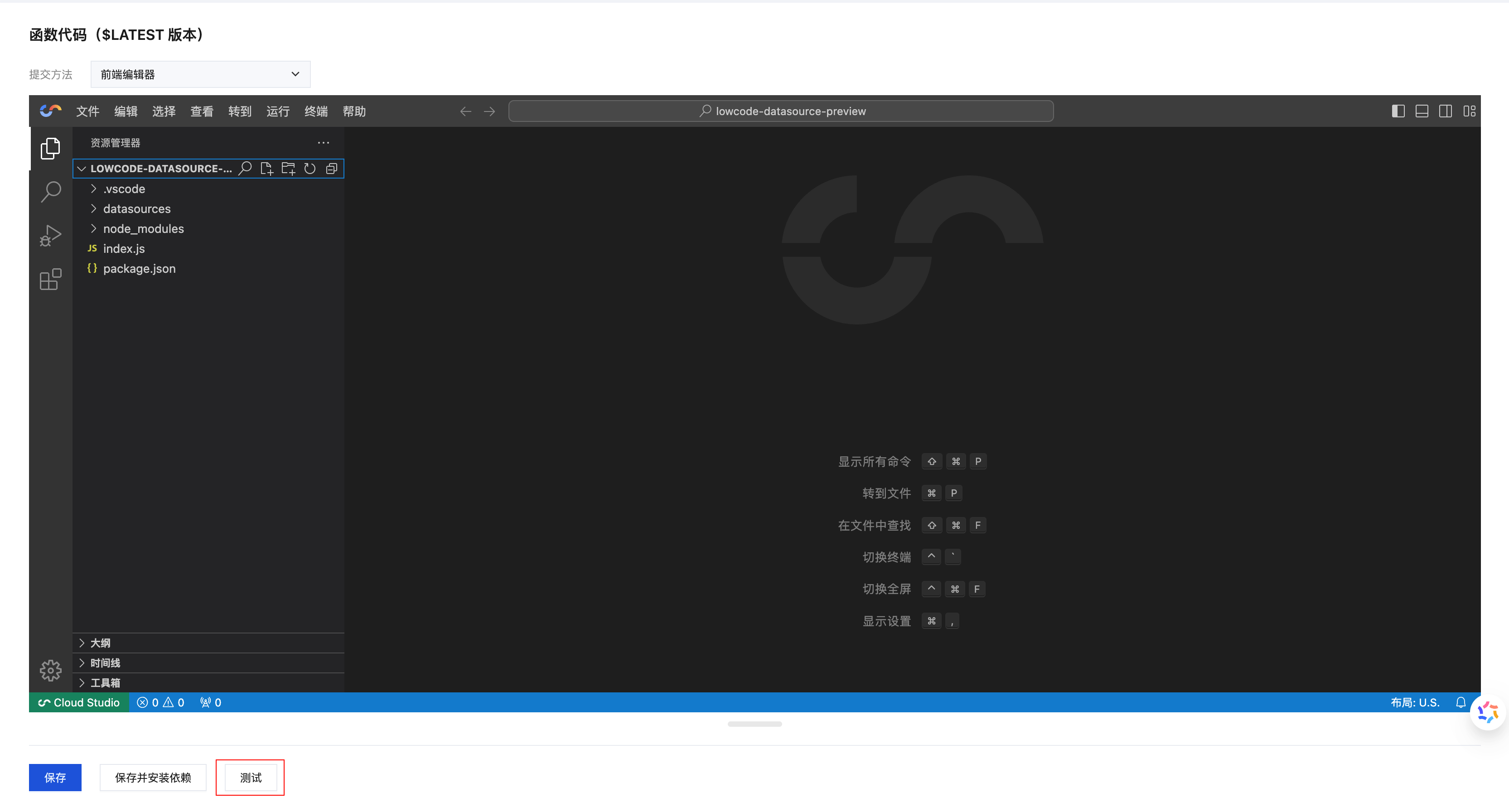
Test Parameter Configuration
Use template parameters
- Click the 'Submit Method' dropdown menu and select the template method for the test function
- Template parameters are passed to the function as the
eventparameter during testing
Custom parameters Enter JSON-formatted test data in the test parameter editor:
{
  "name": "test",
  "data": {
    "key": "value",
    "number": 123
  }
}
Local Debugging Tools
In addition to the visual testing feature, you can also use the command-line tool scf-cli for local debugging:
# Install scf-cli
npm install -g scf-cli

# Local Debugging Function
scf local invoke --template template.yaml --event event.json
WeChat Developer Tools Testing
In the WeChat Developer Tools, you can directly test cloud functions.
Test Steps
- In the console's corresponding cloud function management panel, click 'Cloud Test' to open the test pop-up.
- Configure test parameters
- Click 'Execute' to run the test
- View the execution result
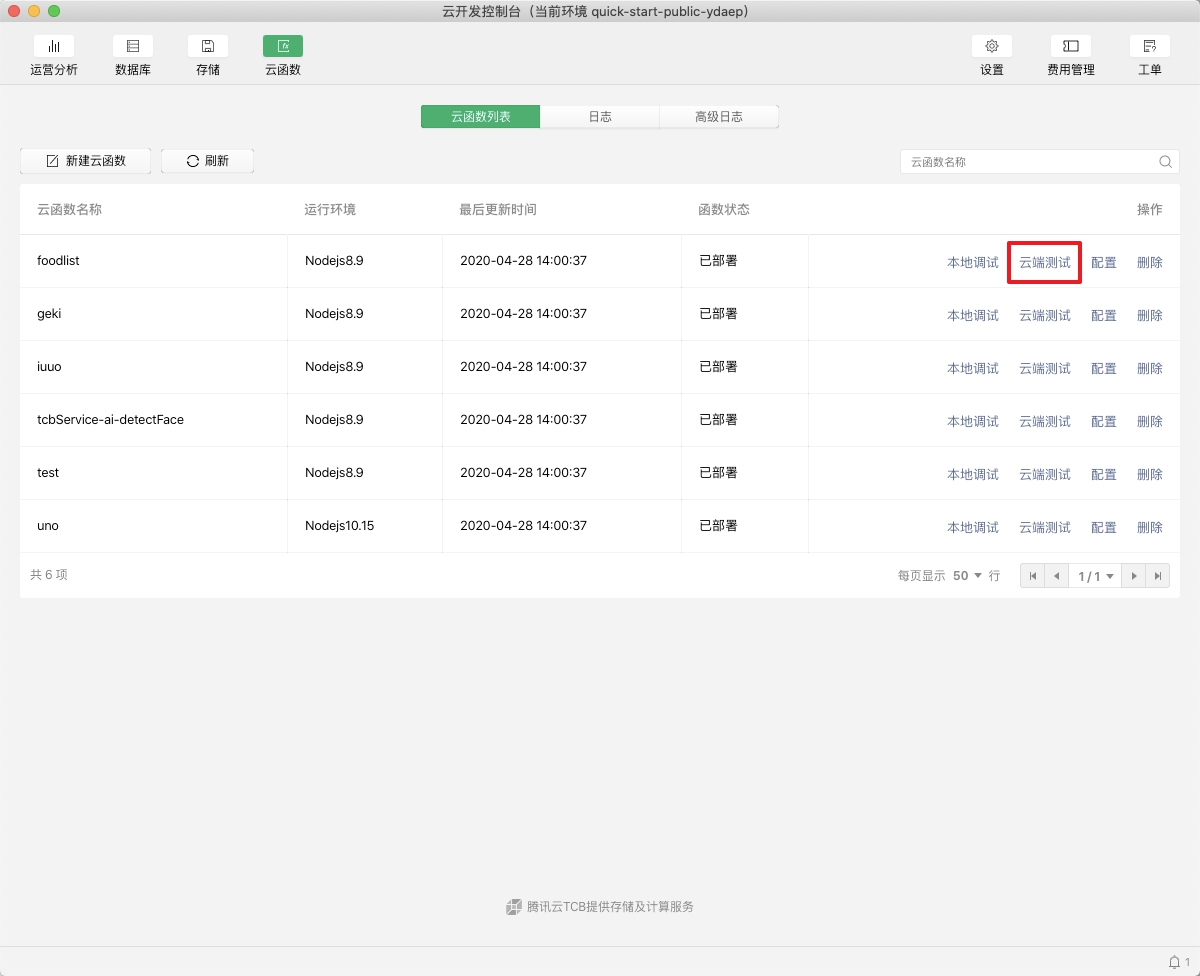
Parameter Configuration Description
- Submit Method: Select the template method for the test function. Currently supports the
Hello Worldevent template - Test Parameters: Enter JSON-formatted test parameters in the editor
- Run Result: After execution is completed, the result will be displayed in the "Run Test" section.
Local Debugging Support
WeChat Developer Tools also support using scf-cli for local rapid debugging.