Database
When to Use a Database
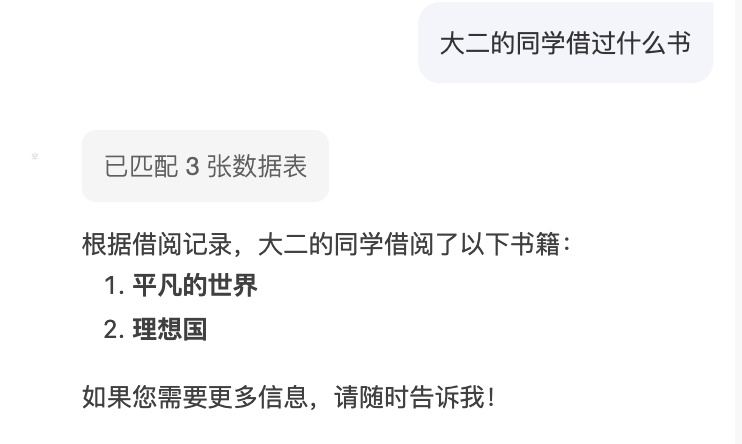
Developers already have mini programs/web applications. Users generate data through mini programs/web. You want the AI to comprehend this data and become a personalized AI agent. For instance, the same query can yield answers tailored to each user's specific data.
Database vs. Knowledge Base
| Comparison Item | Knowledge Base | Database |
|---|---|---|
| Data Type | docx/pdf/ppt/markdown | Tables/json |
| Data Update Frequency | Low frequency | High frequency |
| Data Maintainer | Developers | Developers + End Users |
| Typical Applications | Intelligent Customer Service, Q&A System, Expert Decision-Making | User Behavior Analysis, Data Querying |
How to Configure a Data Model
In the Cloud Development Platform database module, you can create new data models.
- Create a new data model, select the database (document-based).
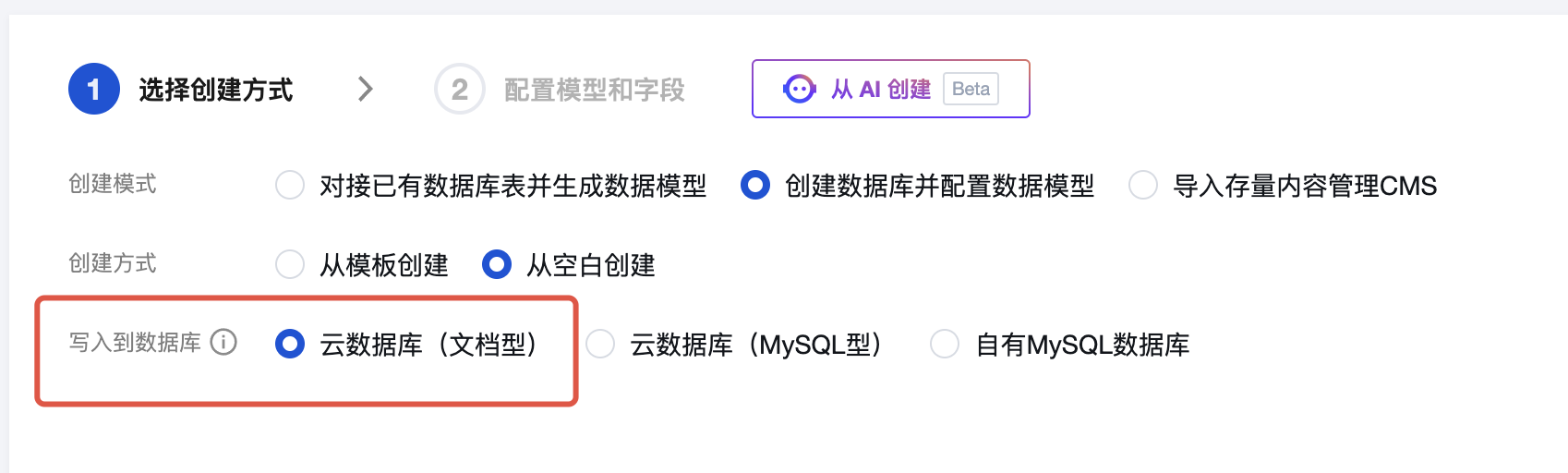
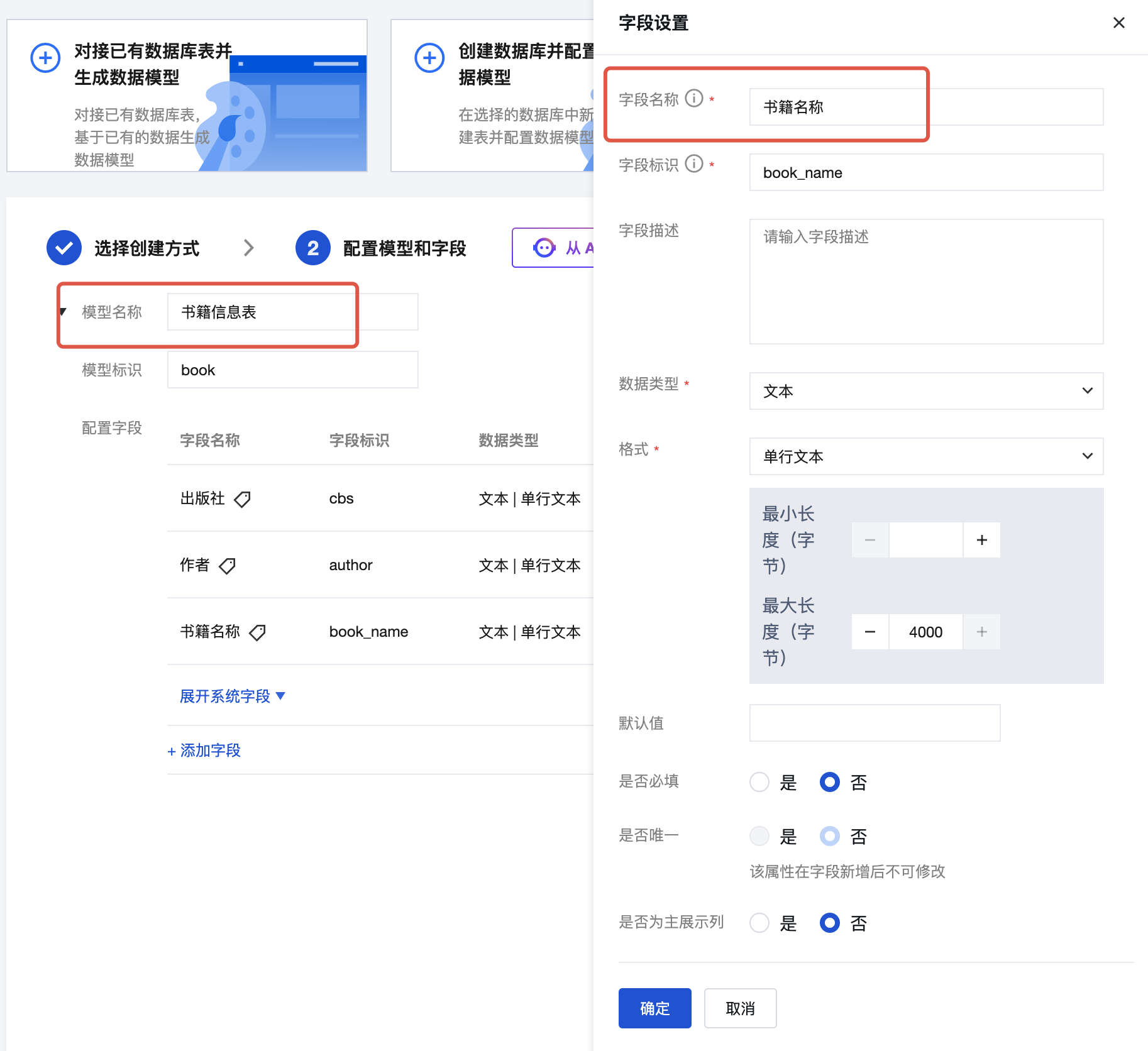
- Model names and field names should be described in Chinese to facilitate the large model's understanding of the relationship between user questions and the data model.
How to Bind a Data Model to an AI Agent
const msg = "user question"
const databaseModel = ["Data Model ID-1", "Data Model ID-2"]
const result = await this.botContext.bot.tools.searchDB(
  this.botContext.info.botId,
  msg,
  databaseModel
);

if (result?.code && result?.code?.length !== 0) {
  throw new Error(`Failed to query data model content: ${result?.message}`);
}
How to talk to an agent
You can talk to the agent in natural language. If your question contains database-related information, it will trigger a database query.
Library agent Example
Suppose we want to create a library AI assistant that can help students quickly check whether the library has specific books, query which books they have borrowed, and analyze their favorite book genres.
Data Model
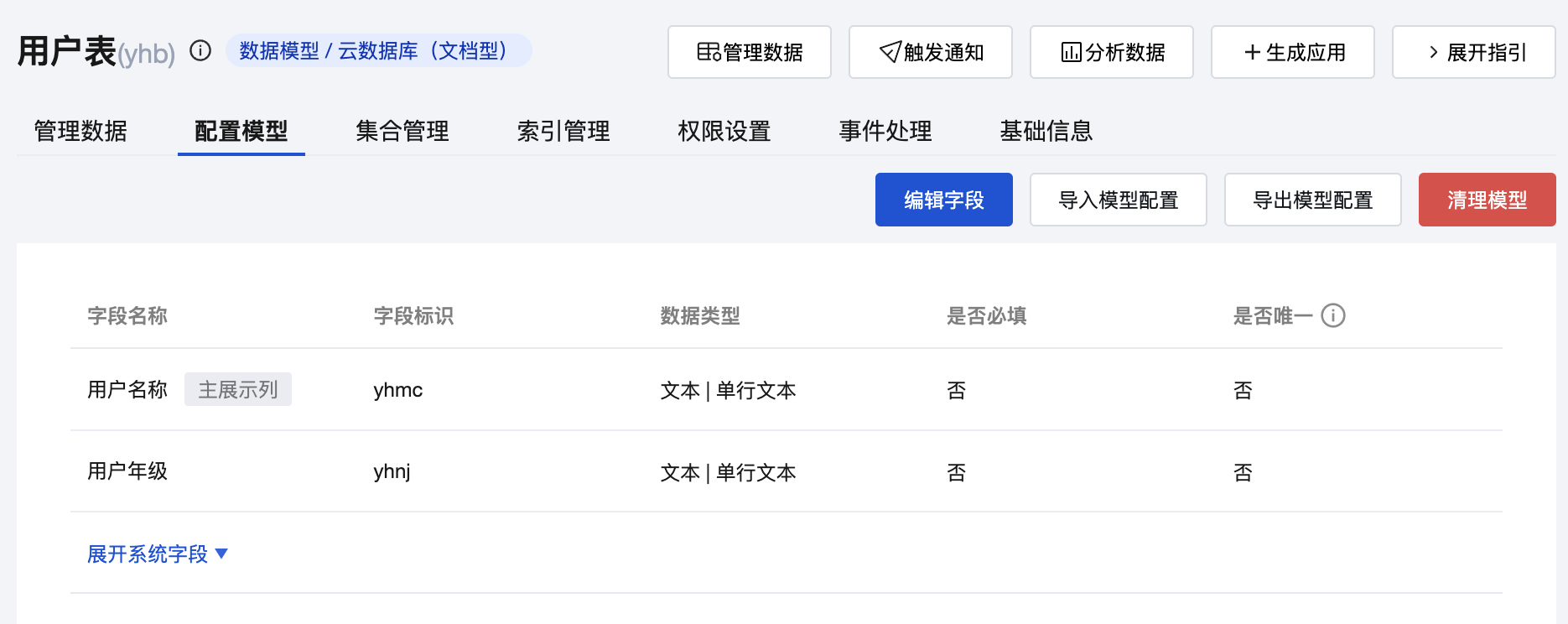
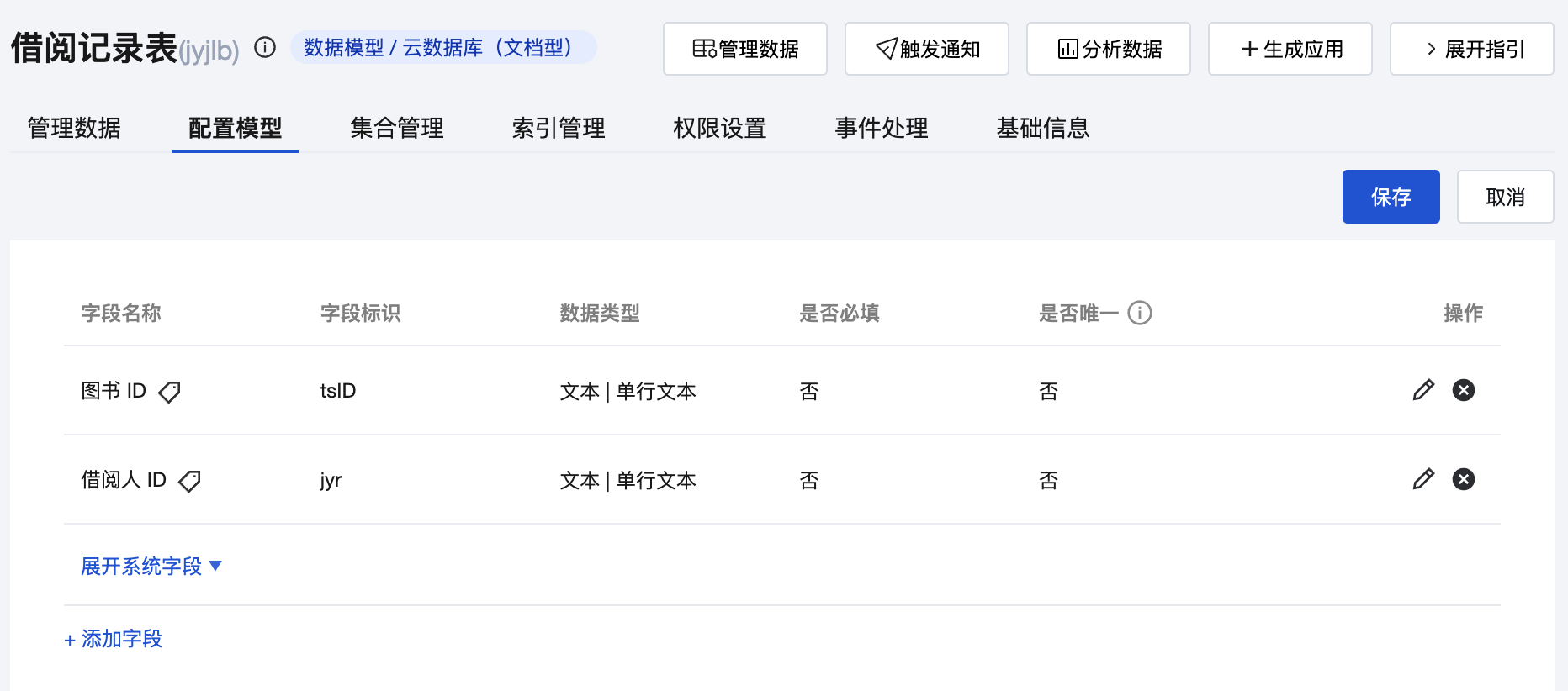
Requires three data models: User Information Table, Book Information Table, Borrowing Records Table.
- The permissions for the User Information Table are readable by everyone, and readable and writable only by the creator and administrators. It includes at least the following fields: ID, User Name, User Grade.
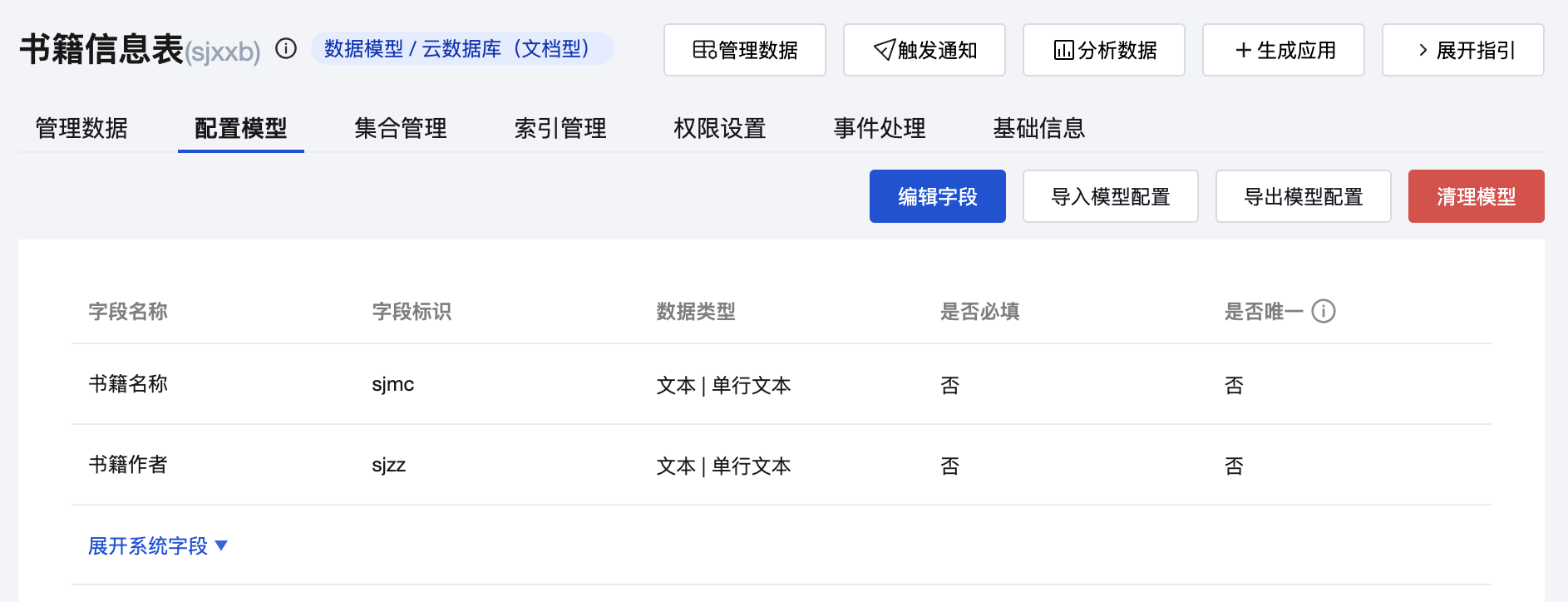
- The permissions for the Book Information Table are readable by everyone, and writable only by administrators. It includes at least the following fields: ID, Book Name, Book Author.
- The permissions for the Borrowing Records Table are readable and writable only by the creator and administrators. It includes at least the following fields: Book ID, Borrower ID, Borrowing Time.
Dialogue Effect
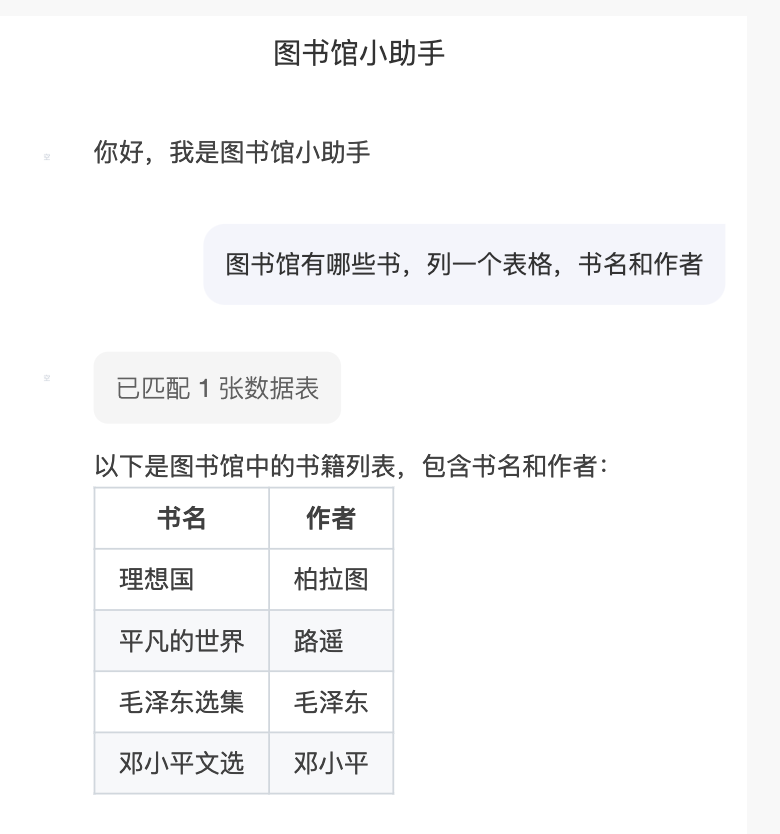
Query All Books
This will trigger querying the Book Information Table.
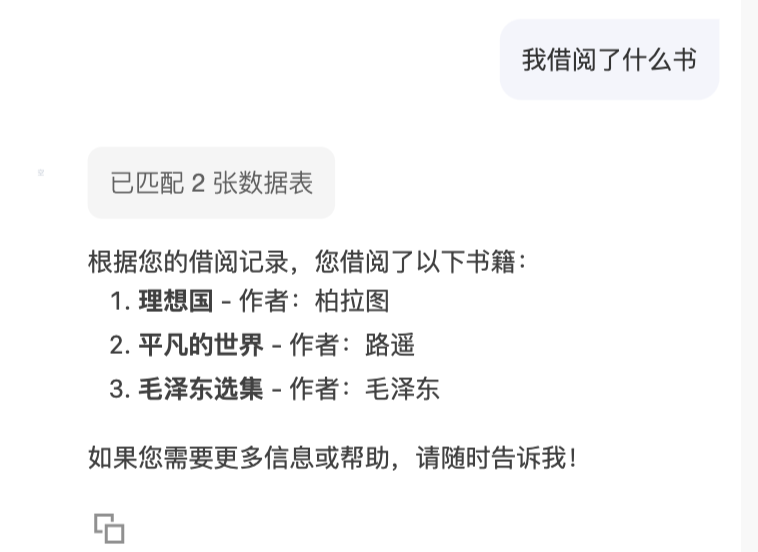
Query Borrowed Books
This will trigger querying the Book Information Table and Borrowing Records Table.
Query Freshmen's Favorite Books
This will trigger querying the User Information Table, Borrowing Records Table, and Book Information Table.