React Native Adapter
Overview
The React Native adapter is a dedicated adapter provided by cloud development for the React Native/Expo framework, enabling developers to seamlessly use all features of cloud development in the project. With this adapter, you can easily achieve cloud-based data storage, user authentication, file management, and function call on the mobile terminal.
Supported Platforms
Currently adapted platforms:
- iOS 13+
- Android 6+
Environmental Requirements
- Node.js >= 18
- React Native 0.76+
- Expo SDK 52+
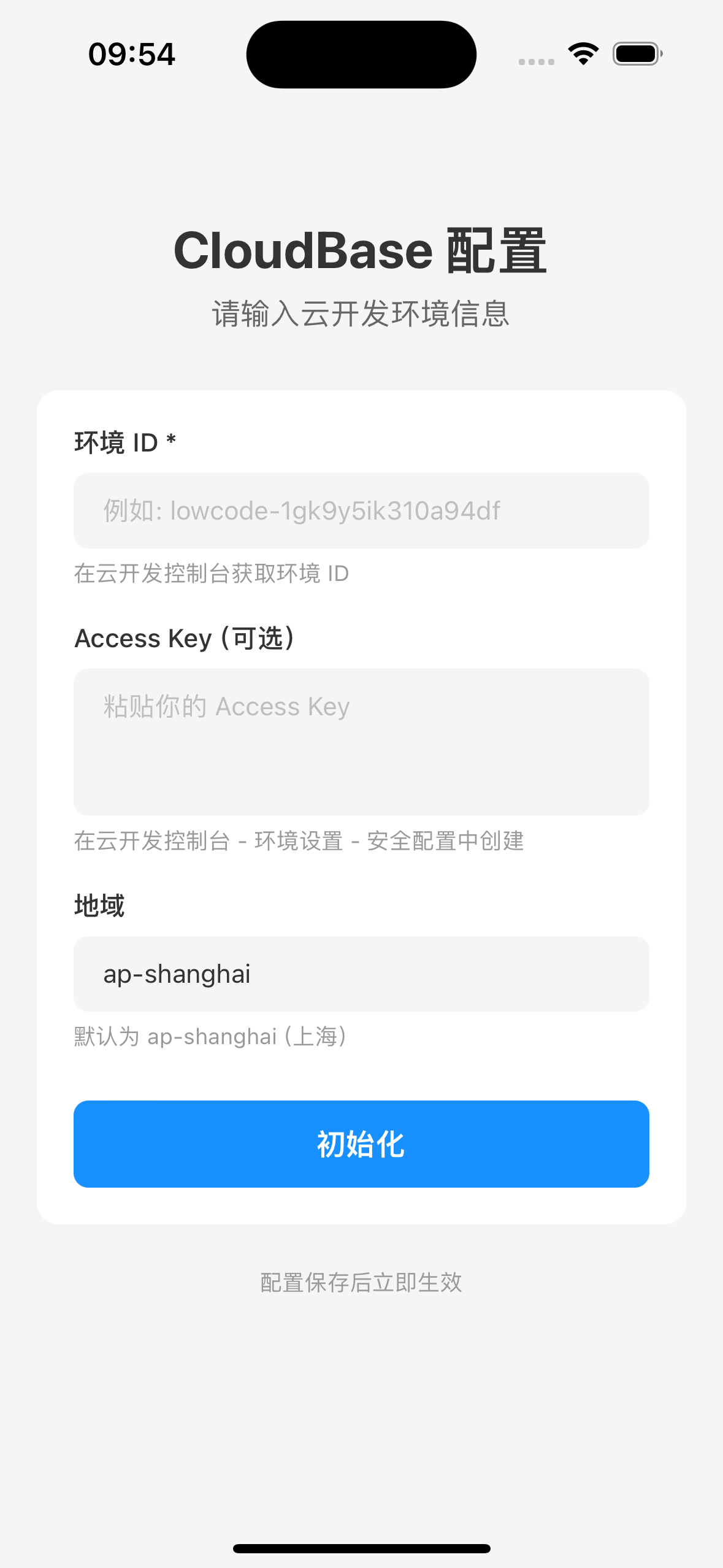
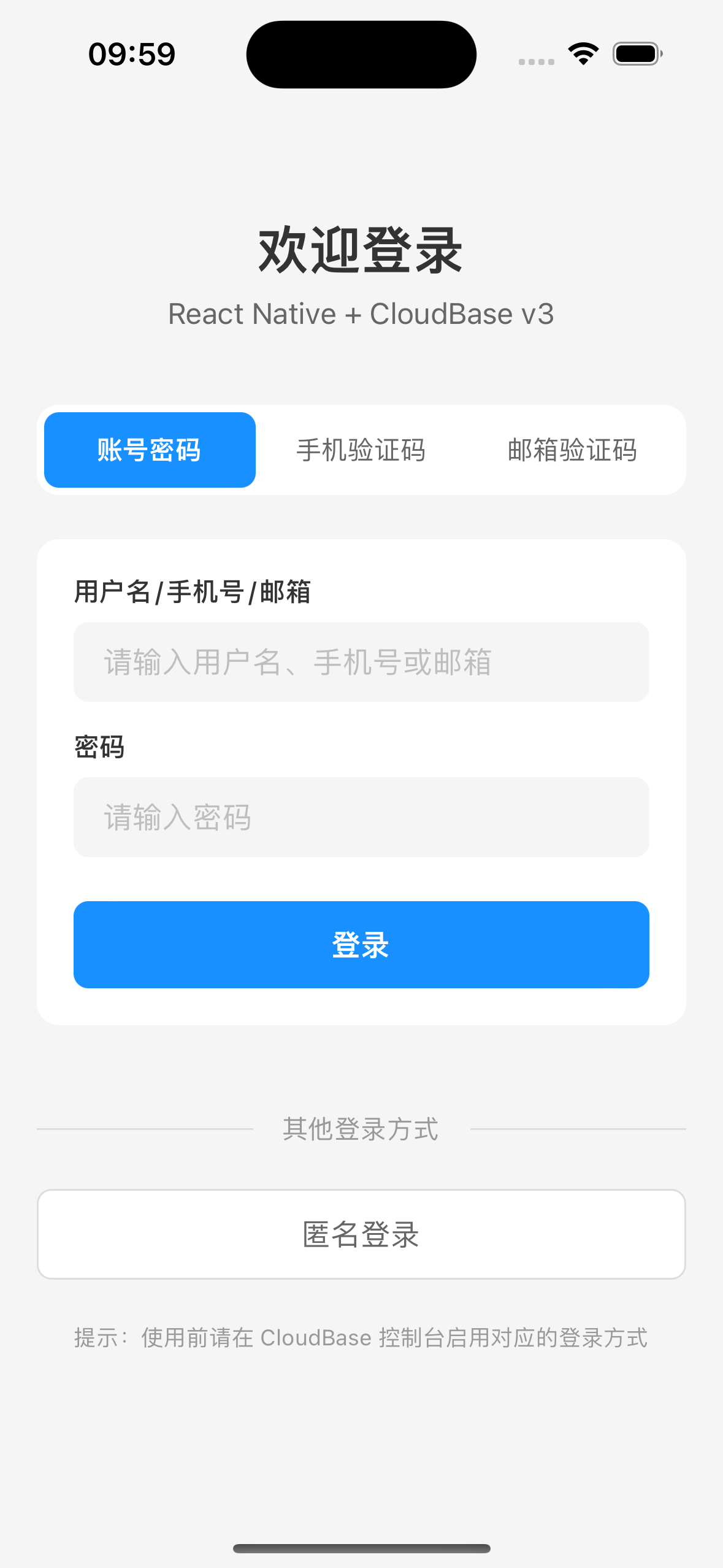
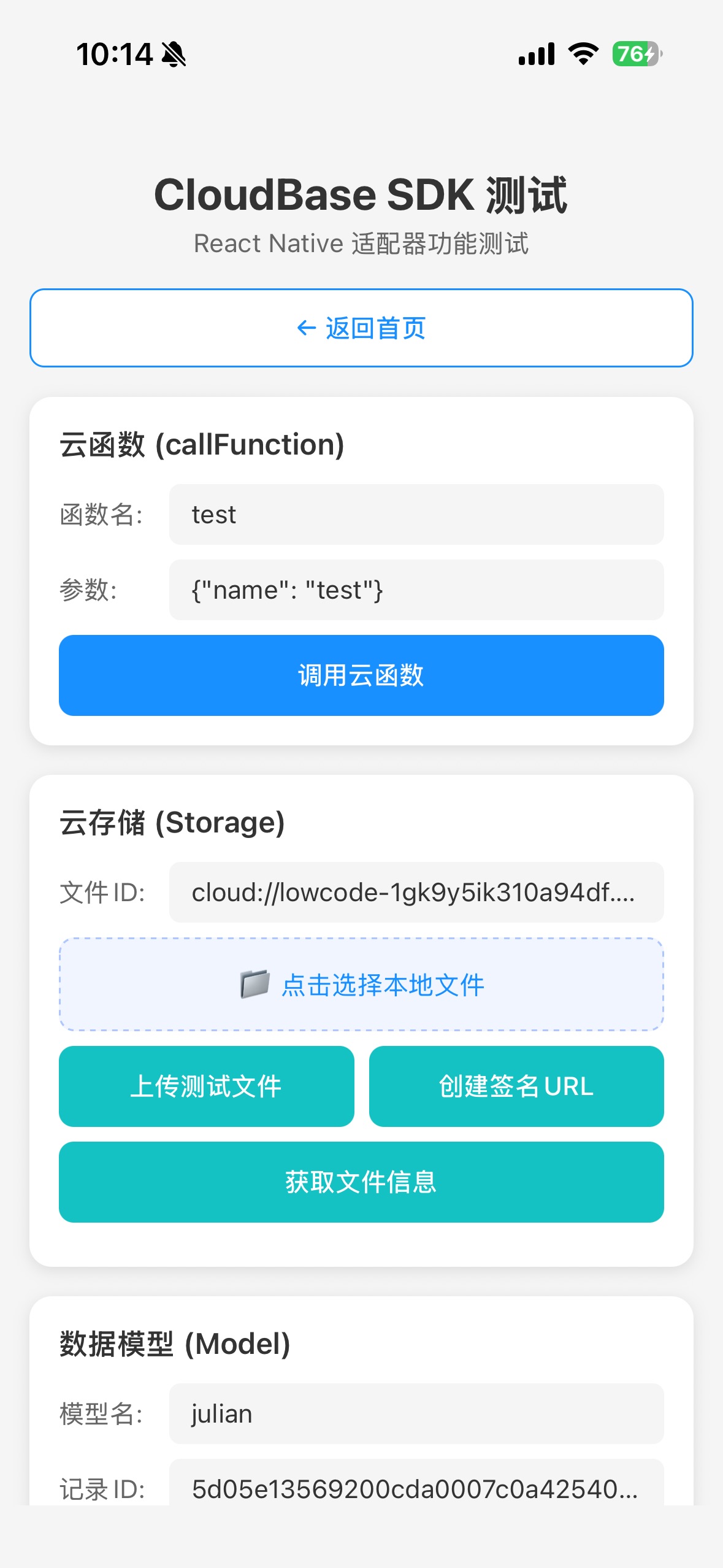
Effect Display
For the complete sample project, see CloudBase React Native Demo

Installation
Install using npm:
npm install @cloudbase/js-sdk @cloudbase/adapter-rn react-native-mmkv
Note:
react-native-mmkv is used for high-performance persistence storage. We recommend using v3.x version, as v4.x requires NitroModules configuration which is complex.
:::
iOS native dependency
cd ios && pod install && cd ..
Quick Start
Adapter configuration
import cloudbase from "@cloudbase/js-sdk";
import adapter from "@cloudbase/adapter-rn";

Register adapter
cloudbase.useAdapters(adapter);

const app = cloudbase.init({
env: "your-env-id", // Replace this value with your environment ID
region: "ap-shanghai", // Region
  accekey: "your-app-access-key", // Publishable Key
});

export default app;
-adapter must be called before cloudbase.init()
Graphic Verification Code Mechanism
In specific security-sensitive operation scenarios (such as user login), Tencent Cloud development requires graphic Captcha verification. The adapter has an internal Captcha processing process:
captchaOptions: {
  openURIWithCallback: async (url: string): Promise<CaptchaToken> => {
    const urlObj = new URL(url);
    const captchaData = urlObj.searchParams.get("captcha_data") || "";
    const state = urlObj.searchParams.get("state") || "";
    const token = urlObj.searchParams.get("token") || "";

    return new Promise((resolve) => {
      if (captchaHandler) {
        captchaHandler({ captchaData, state, token, resolve });
      } else {
        console.warn("No captcha handler registered");
        resolve({ error: "no_handler" } as any);
      }
    });
  },
}
Developers need to register a Captcha processor. See the graphic verification code workflow:
import { setCaptchaHandler } from '@cloudbase/adapter-rn';

setCaptchaHandler(async ({ captchaData, state, token, resolve }) => {
// Display captchaData (Base64-encoded verification code image) to users
// Call verifyCaptchaData to validate after the user inputs the Captcha
  const captchaToken = await auth.verifyCaptchaData({ token, key: "user-input-captcha-key" });
  resolve(captchaToken);
});
Project Structure
Main Dependencies
| Dependency | Version | Description |
|---|---|---|
| @cloudbase/js-sdk | ^2.24.9 | Tencent Cloud Development SDK |
| @cloudbase/adapter-rn | ^1.0.0 | React Native adapter |
| react-native-mmkv | ^3.3.3 | High-performance persistence storage |
FAQs
Q: Why call useAdapters before init?
A: The adapter needs to be registered before SDK initialization to ensure the SDK can correctly identify the current runtime environment and use the appropriate adapter.
Q: Why is react-native-mmkv v3.x recommended?
A: The v4.x edition requires NitroModules configuration, which is complex. The v3.x edition has simple configuration and stable performance.
Q: Why is base64 encode needed for file upload?
A: In React Native environment, file system access is different from Web environment. Using base64 code is the most compatible way. Set contentEncoding: 'base64' during upload.