Manage Files with COSBrowser
Tool Introduction
COSBrowser is a visual interface tool that supports users to perform data upload, download, generate access links and other functions through a simple interface.
Applicable Scenarios
- ✅ Small to medium data volume migration (< 10GB)
- ✅ Need visual operation interface
- ✅ Batch upload and download files
- ✅ Manage cloud storage files
Operation Steps
1. Download and Install COSBrowser
Visit COSBrowser Download Page to download and install the client.
2. Login with Secret Key
Important Notice
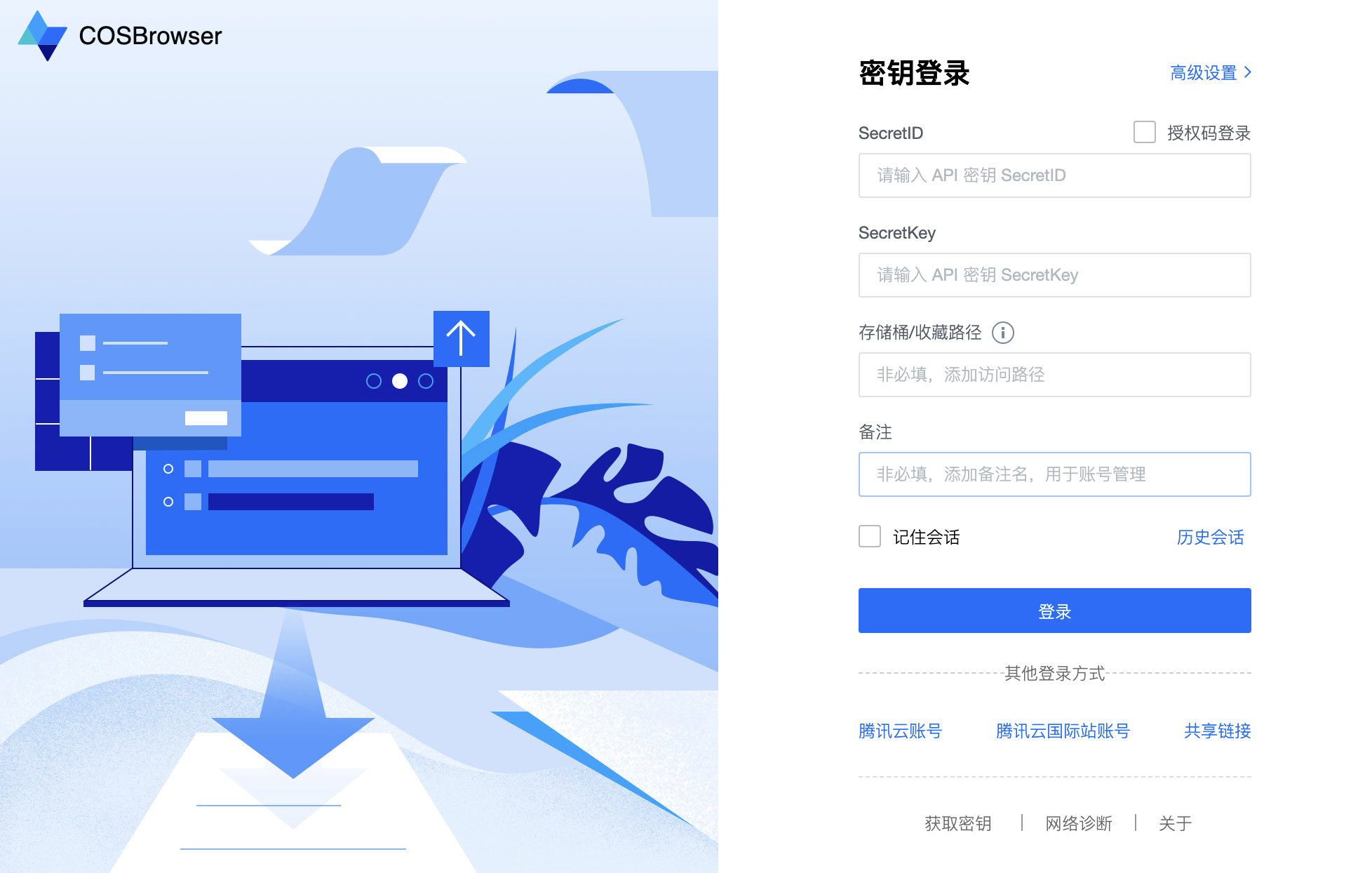
You must use the Secret Key Login method and specify the bucket name and region. Logging in directly with a Tencent Cloud account cannot manage CloudBase cloud storage buckets.
Login steps:
- Open COSBrowser tool
- Select "Secret Key Login"
- Fill in the following information:
- SecretId / SecretKey: Obtain from Access Key Management
- Bucket Name: Obtain bucket name from CloudBase/Cloud Storage
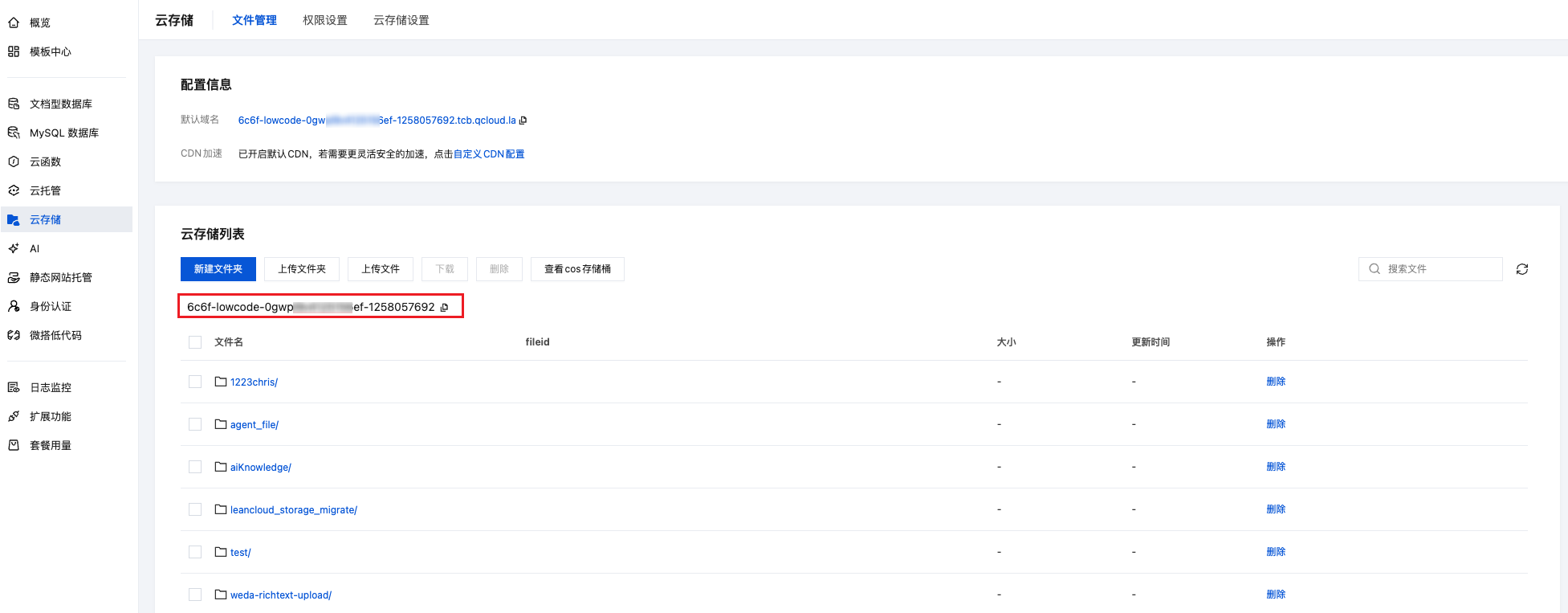
- Region: Select the region where your environment is located (Cloud Storage is fixed to:
ap-shanghai)
3. File Management
After successful login, for detailed usage, please refer to: COSBrowser Usage Documentation