Access Control
Closed to new environments
Cloud Console is no longer available in newly created CloudBase environments. Existing environments can continue to use it.
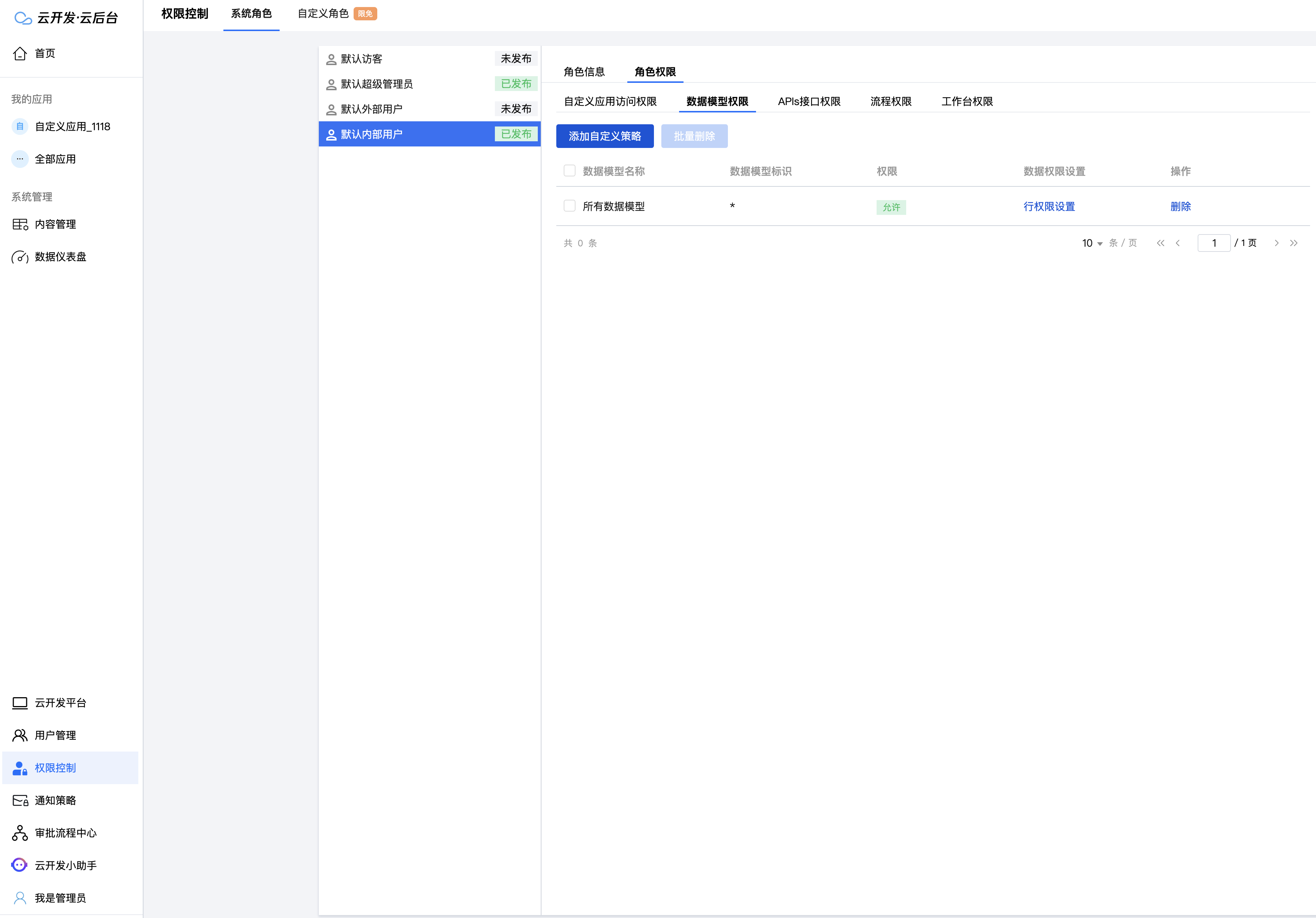
System Role
By managing the permissions of the Default Internal User Role, you can manage the permissions of all internal members.
Custom Role
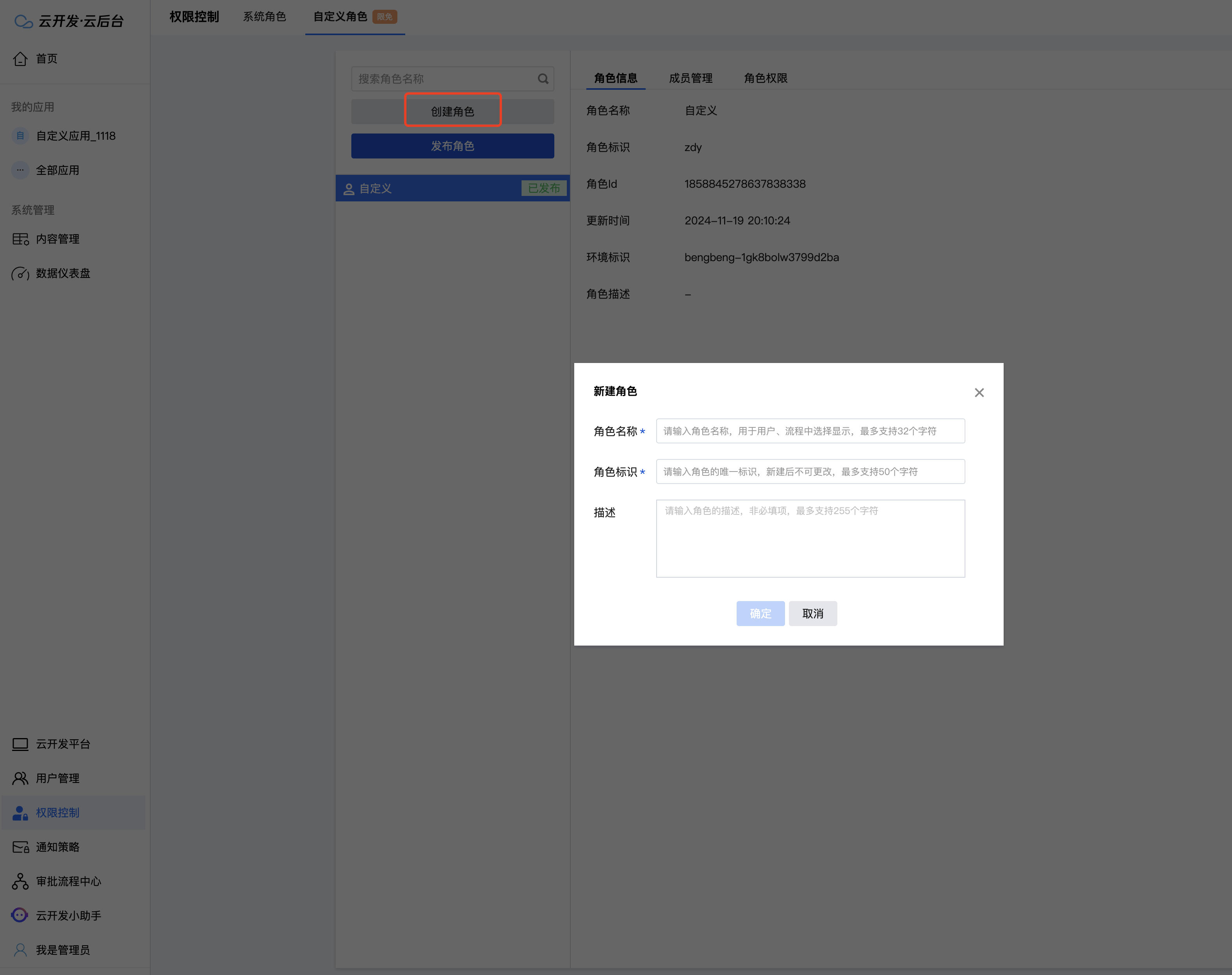
1. Create Custom Role
Go to Cloud Admin -> Access Control, and click "Custom Role".
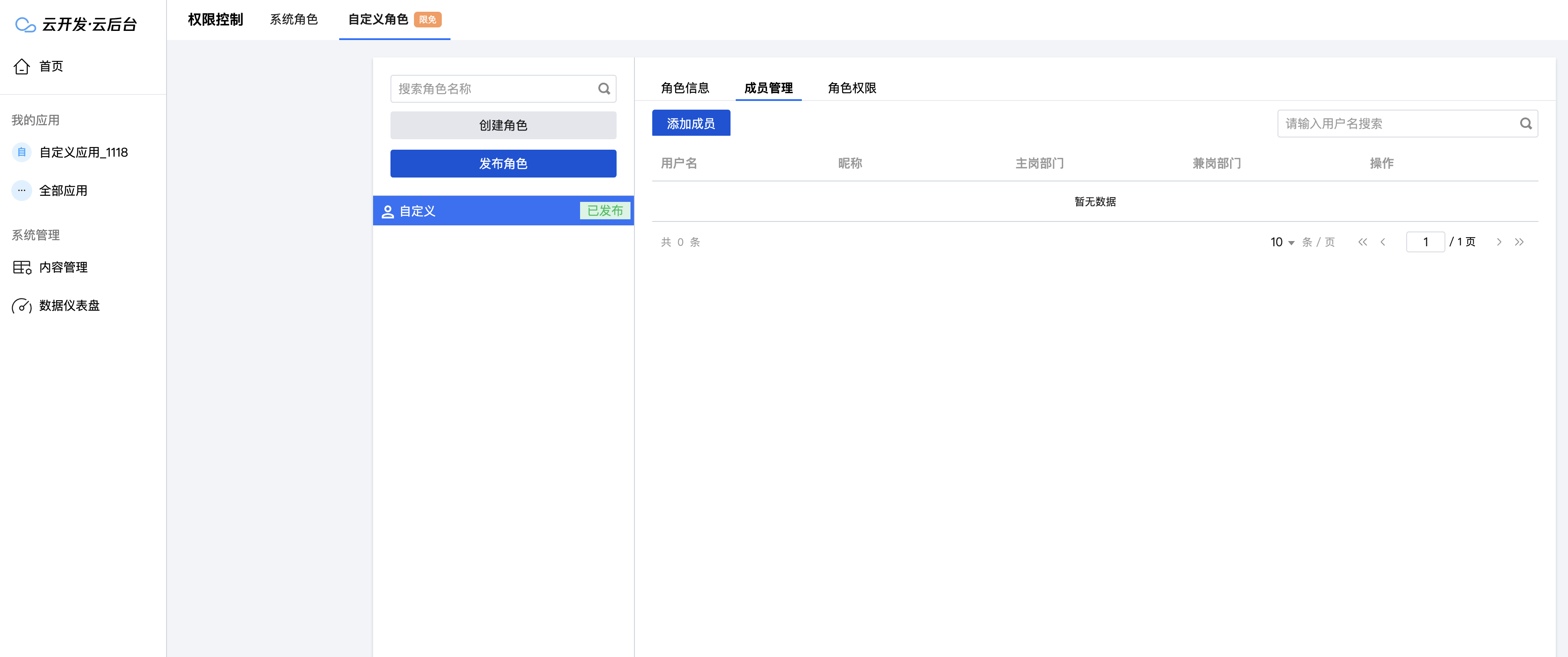
2. Add Users to Custom Role
Go to Cloud Admin -> Access Control, click "Custom Role", locate the target role, and click "Member Management";
3. Modify Custom Role Permissions
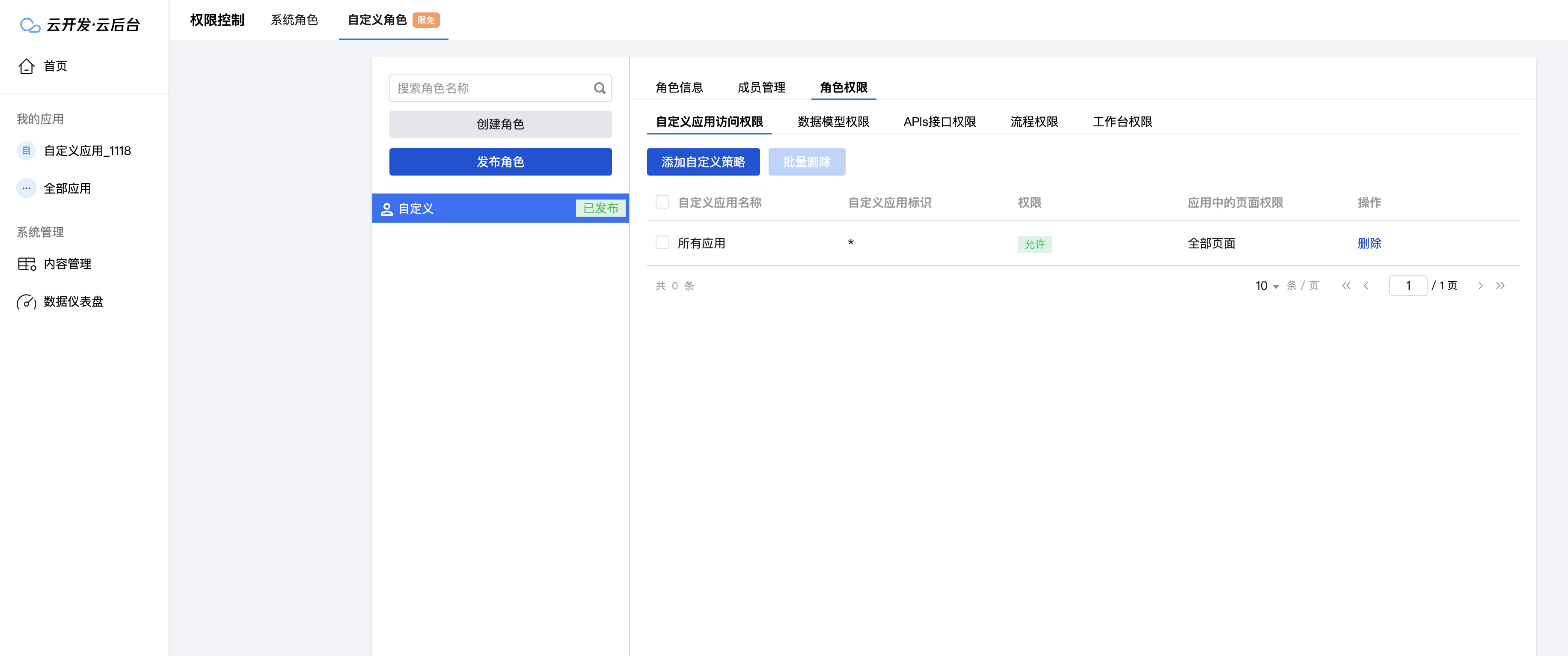
Go to Cloud Admin -> Access Control, click "Custom Role", locate the target role, and click "Role Permissions";