React Native Adapter
Overview
The React Native Adapter is a dedicated adapter provided by cloud development for the React Native/Expo framework, enabling developers to seamlessly use all features of cloud development in the project. With this adapter, you can easily achieve cloud data storage, user authentication, file management, and function call on mobile terminal.
Supported Platforms
Currently adapted platforms:
- iOS 13+
- Android 6+
Environment Requirements
- Node.js >= 18
- React Native 0.76+
- Expo SDK 52+
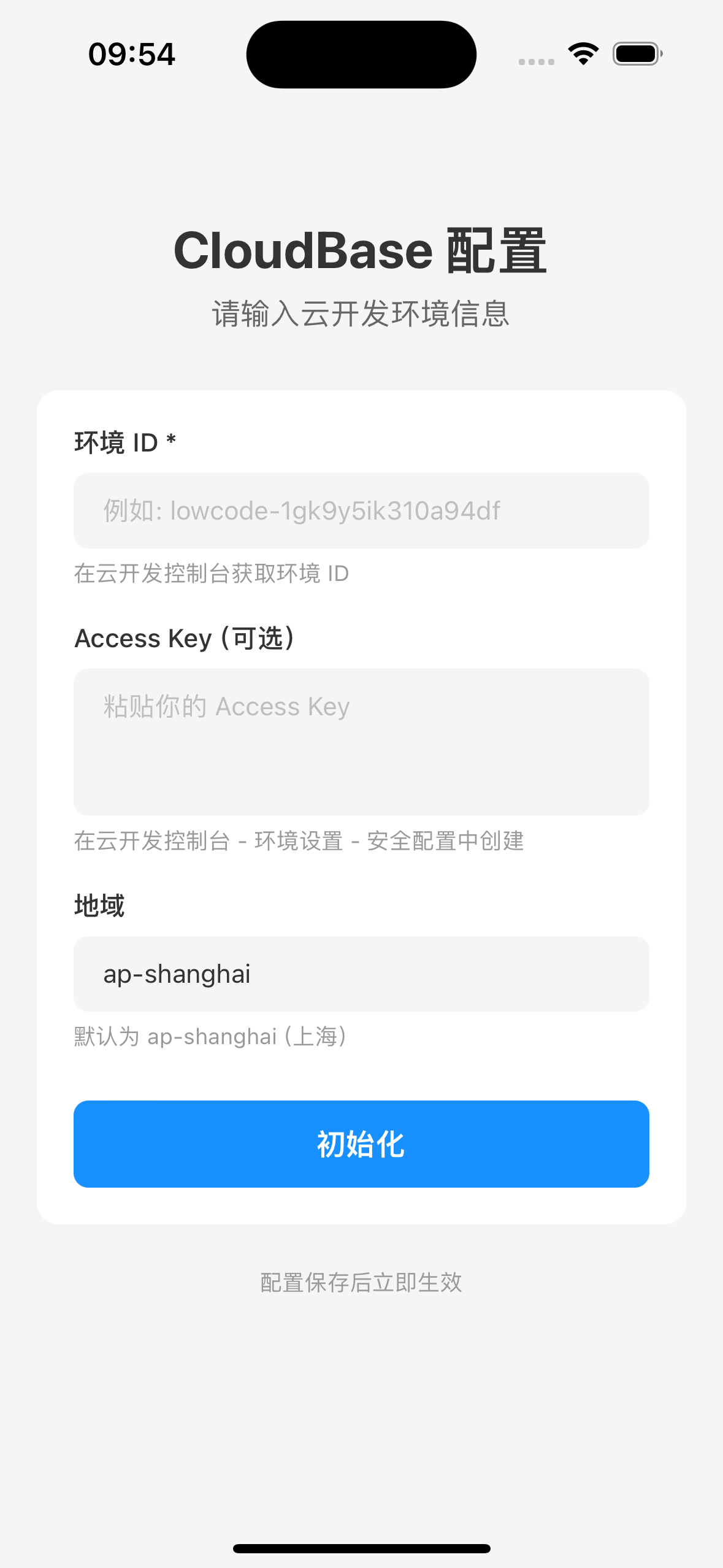
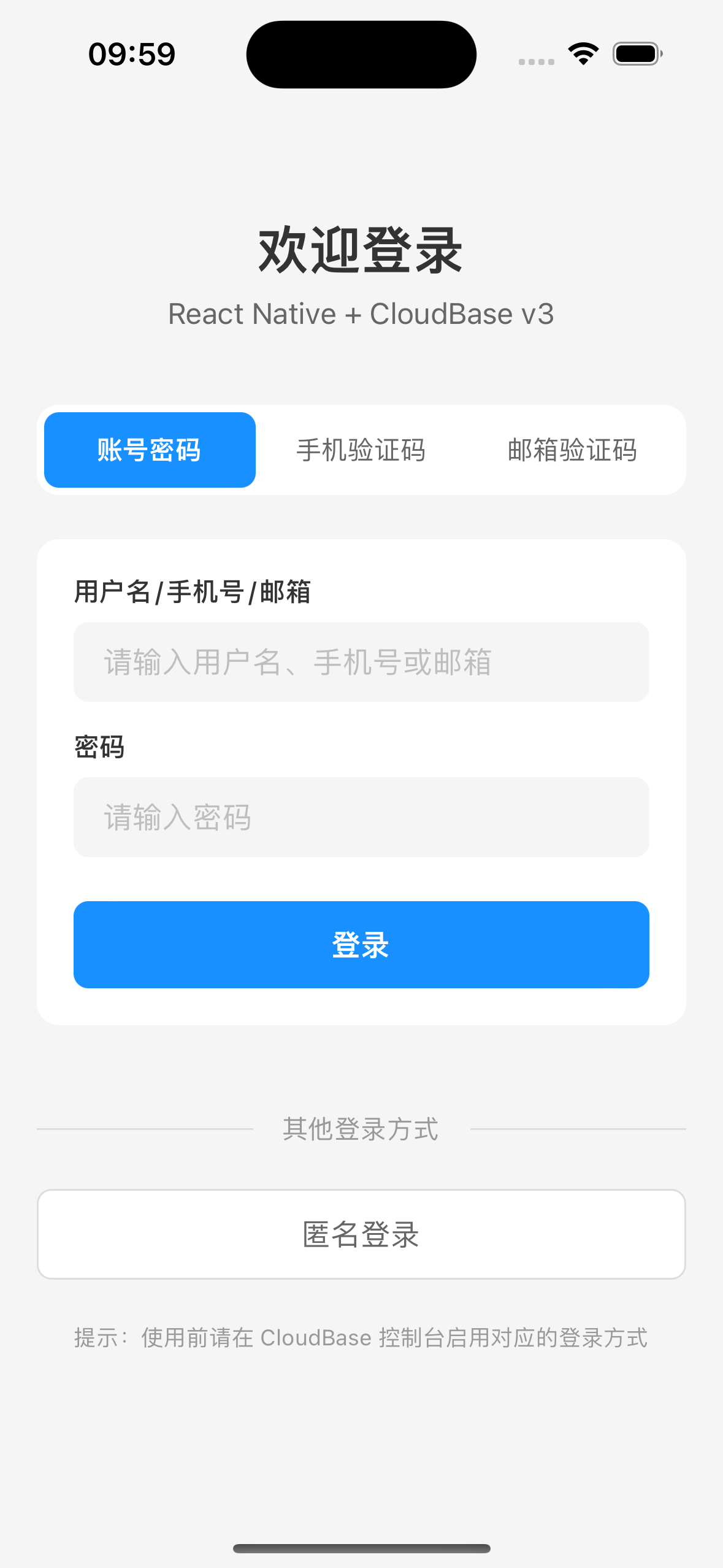
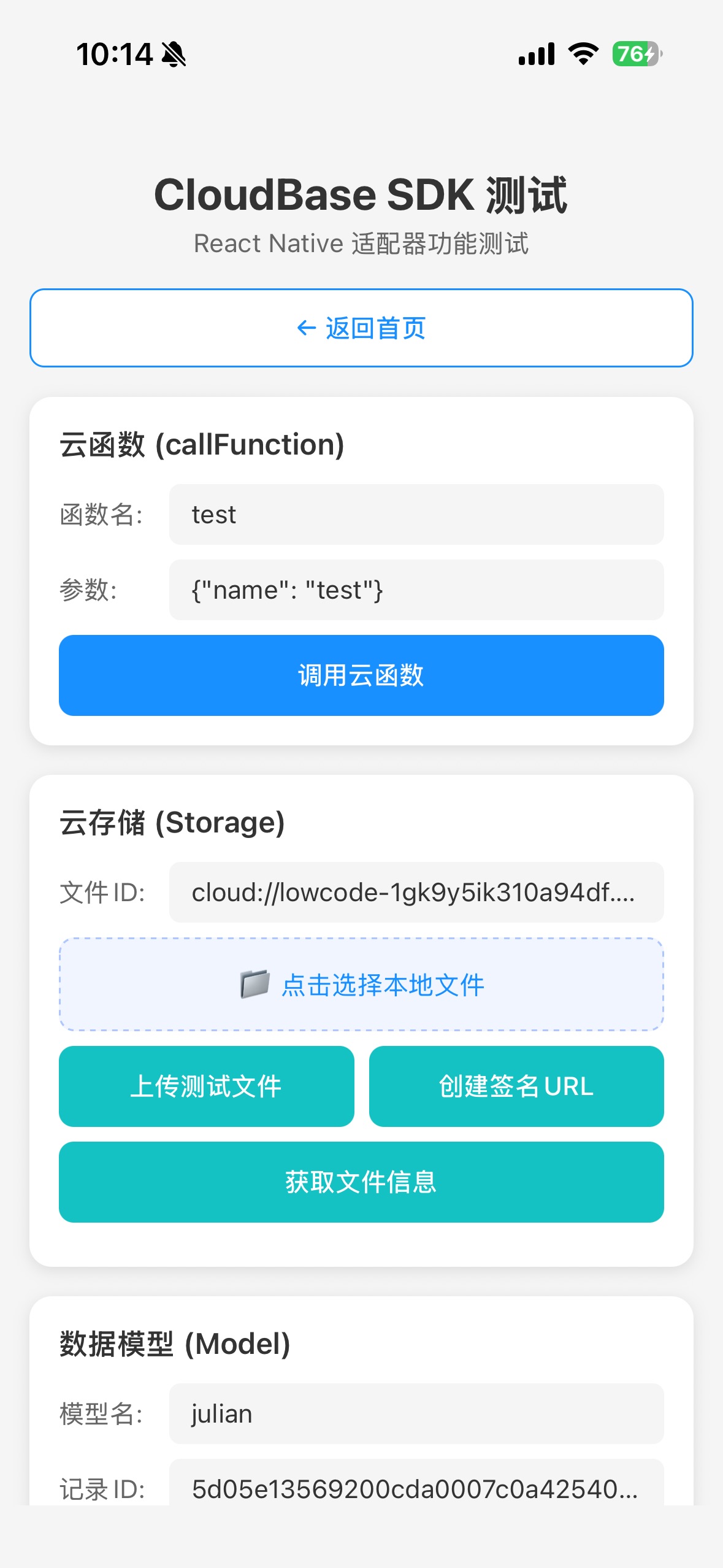
Effect Display
For the complete sample project, see CloudBase React Native Demo

Installation
Install using npm:
npm install @cloudbase/js-sdk @cloudbase/adapter-rn react-native-mmkv
Note
react-native-mmkv is used for high-performance persistence storage. We recommend using version 3.x, as version 4.x requires complex NitroModules configuration.
:::
iOS Native Dependency
cd ios && pod install && cd ..
Quick Start
Adapter Configuration
import cloudbase from "@cloudbase/js-sdk";
import adapter from "@cloudbase/adapter-rn";

Register adapter
cloudbase.useAdapters(adapter);

const app = cloudbase.init({
env: "your-env-id", // Replace this value with your environment ID
region: "ap-shanghai", // Region
  accekey: "your-app-access-key", // Publishable Key
});

export default app;
adapter must be called before cloudbase.init()
Graphic Verification Code Mechanism Description
In specific security-sensitive operation scenarios (such as user login), Tencent Cloud requires graphic Captcha verification. The adapter has an internal Captcha processing process:
captchaOptions: {
  openURIWithCallback: async (url: string): Promise<CaptchaToken> => {
    const urlObj = new URL(url);
    const captchaData = urlObj.searchParams.get("captcha_data") || "";
    const state = urlObj.searchParams.get("state") || "";
    const token = urlObj.searchParams.get("token") || "";

    return new Promise((resolve) => {
      if (captchaHandler) {
        captchaHandler({ captchaData, state, token, resolve });
      } else {
        console.warn("No captcha handler registered");
        resolve({ error: "no_handler" } as any);
      }
    });
  },
}
Developers need to register a Captcha processor. See the graphic verification code workflow:
import { setCaptchaHandler } from '@cloudbase/adapter-rn';

setCaptchaHandler(async ({ captchaData, state, token, resolve }) => {
// Display captchaData (Base64-encoded verification code image) to users
After the user input, call verifyCaptchaData to validate.
  const captchaToken = await auth.verifyCaptchaData({ token, key: "user-input-captcha-key" });
  resolve(captchaToken);
});
Project Overview
Primary dependency
| Dependency | Version | Description |
|---|---|---|
| @cloudbase/js-sdk | ^2.24.9 | Tencent Cloud Development SDK |
| @cloudbase/adapter-rn | ^1.0.0 | React Native adapter |
| react-native-mmkv | ^3.3.3 | High-performance persistence storage |
FAQs
Q: Why call useAdapters before init?
A: The adapter needs to be registered before SDK initialization to ensure the SDK can correctly identify the current runtime environment and use the appropriate adapter.
Q: Why is react-native-mmkv v3.x recommended?
A: Version v4.x requires NitroModules configuration, which is complex. Version v3.x has simple configuration and stable performance.
Q: Why is base64 encode needed for file upload?
A: In React Native environment, file system access is different from Web environment. Using base64 encode is the most compatible way. Set contentEncoding: 'base64' during upload.