UniApp Adapter
Overview
The UniApp adapter is a dedicated adapter provided by Cloud Development for the UniApp framework, enabling developers to seamlessly utilize the full capabilities of Cloud Development in UniApp projects. Through this adapter, you can easily implement cross-platform cloud data storage, user authentication, file management, cloud function invocation, and more.
Supported Platforms
Currently, the following platforms are supported:
- H5 Client Side
- WeChat Mini Program
- Alipay Mini Program
- Douyin Mini Program
- iOS
- Android
Platforms Demo
Complete sample project please refer to: CloudBase UniApp Template
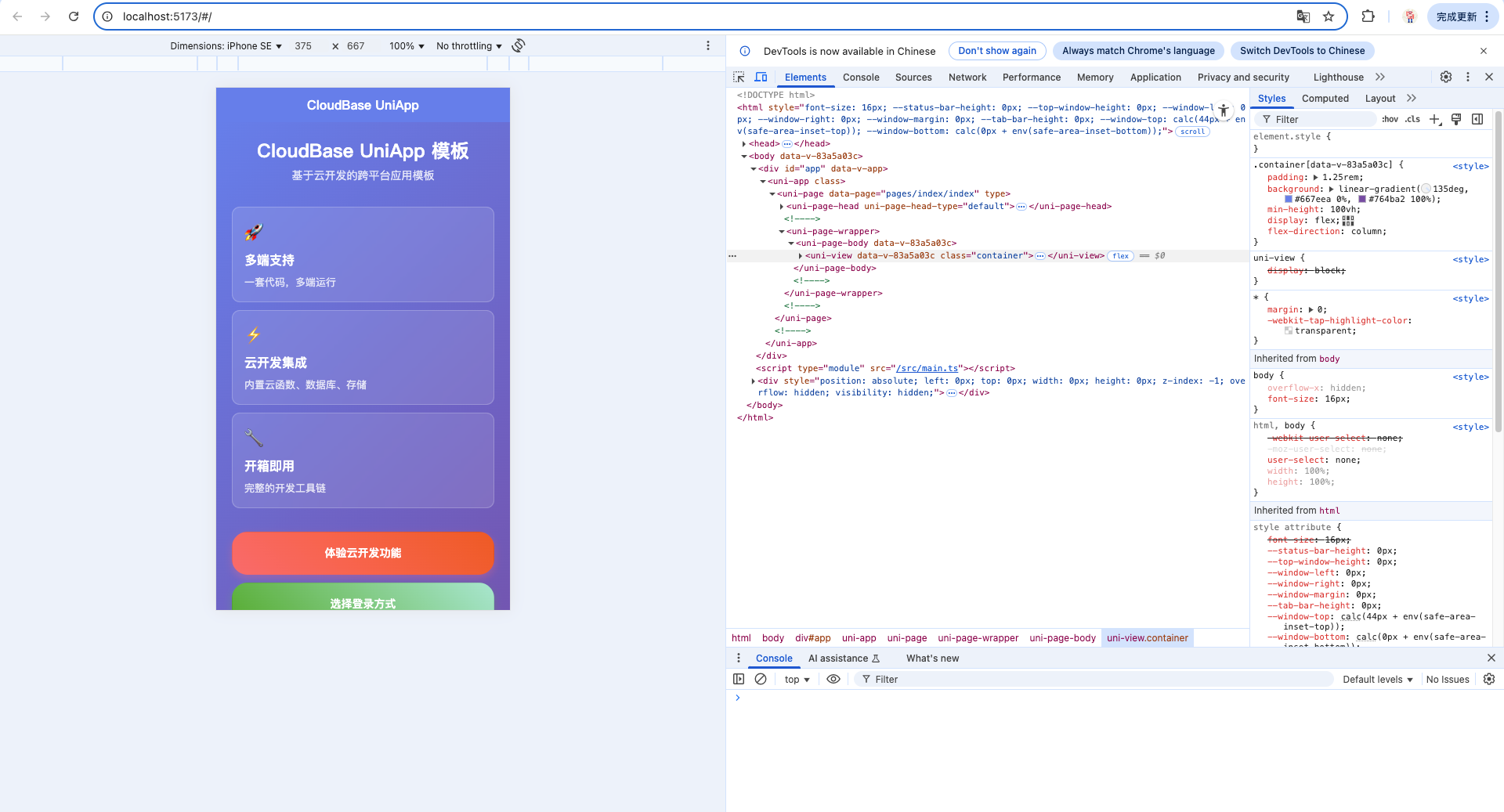
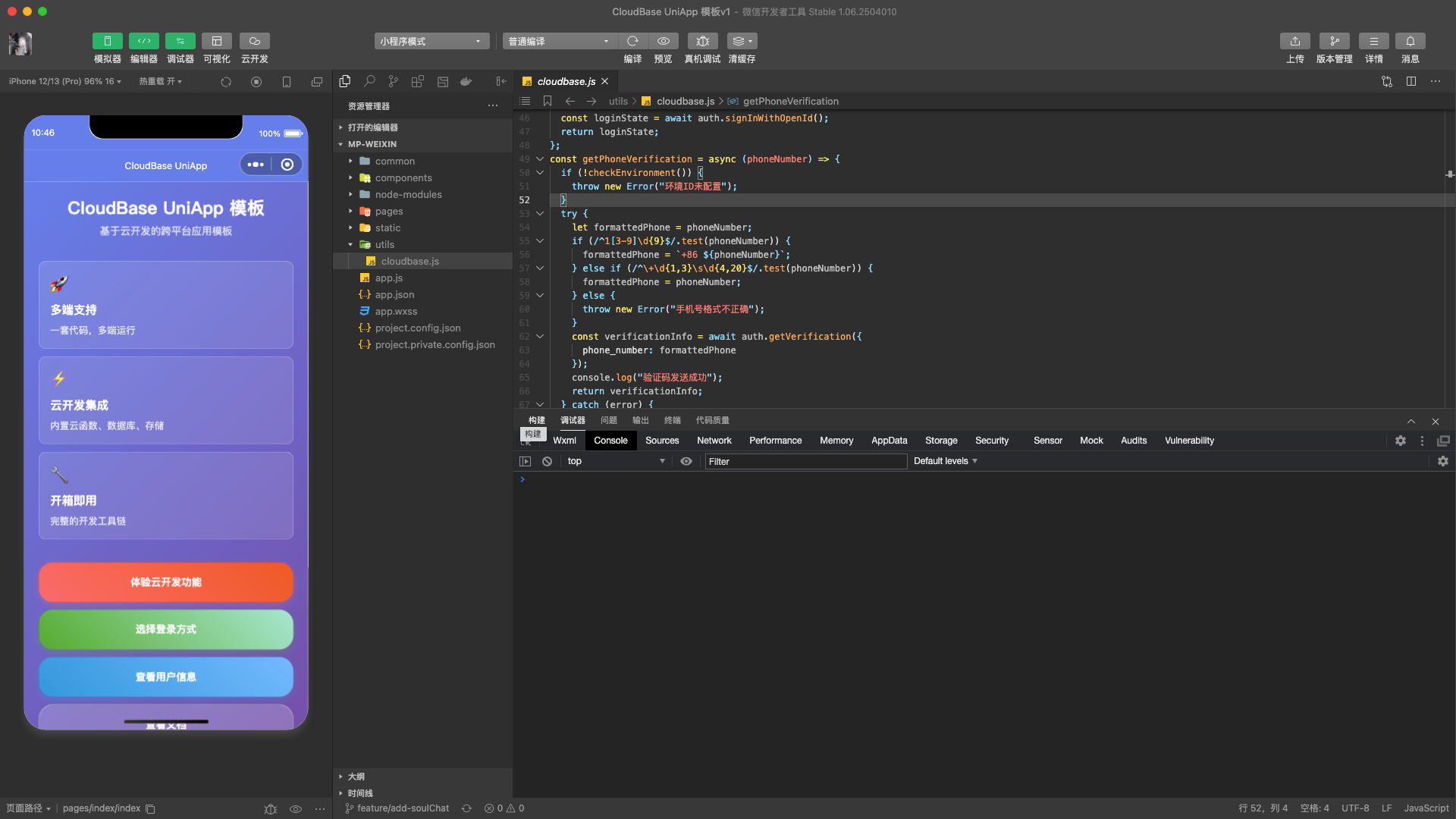
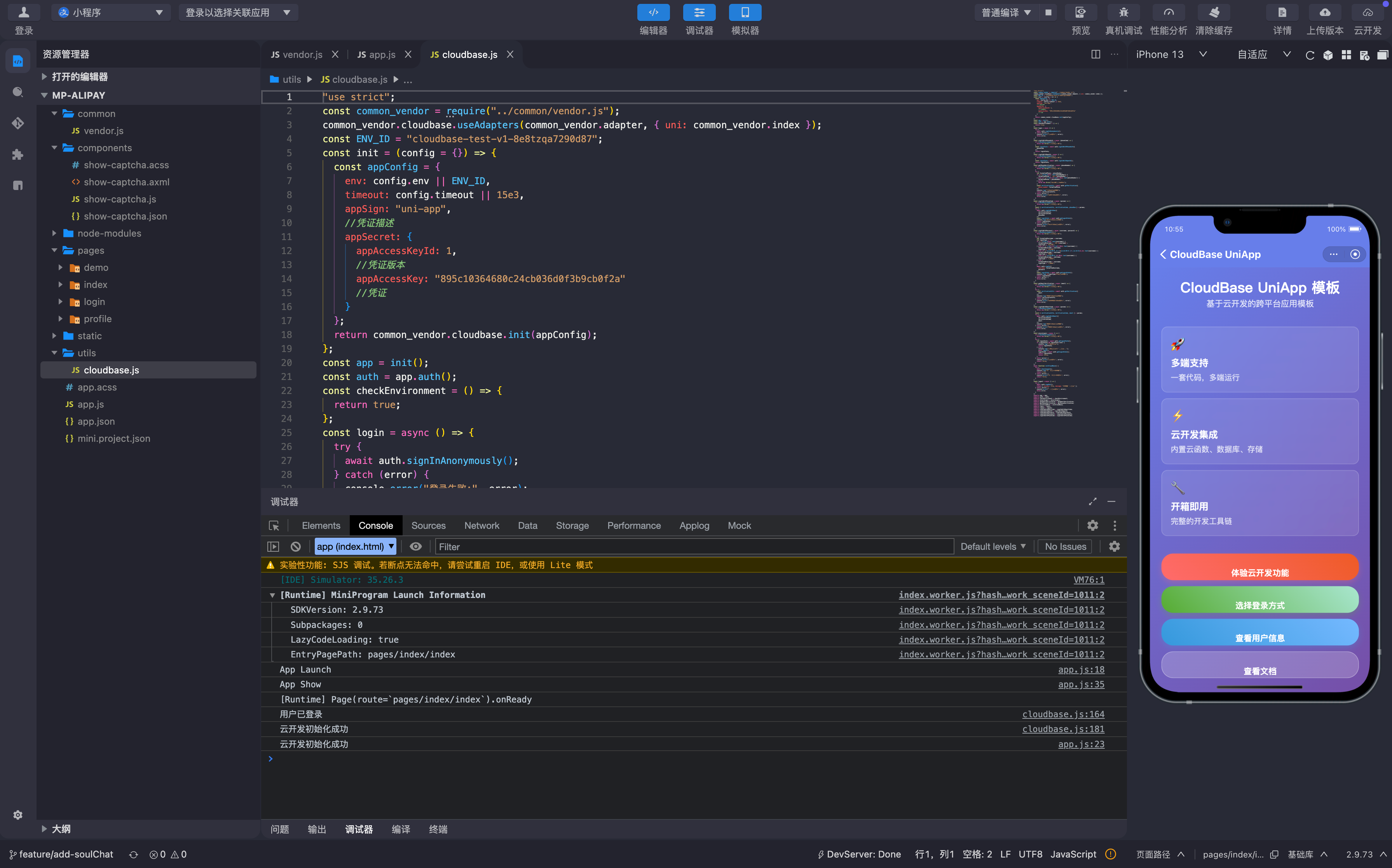
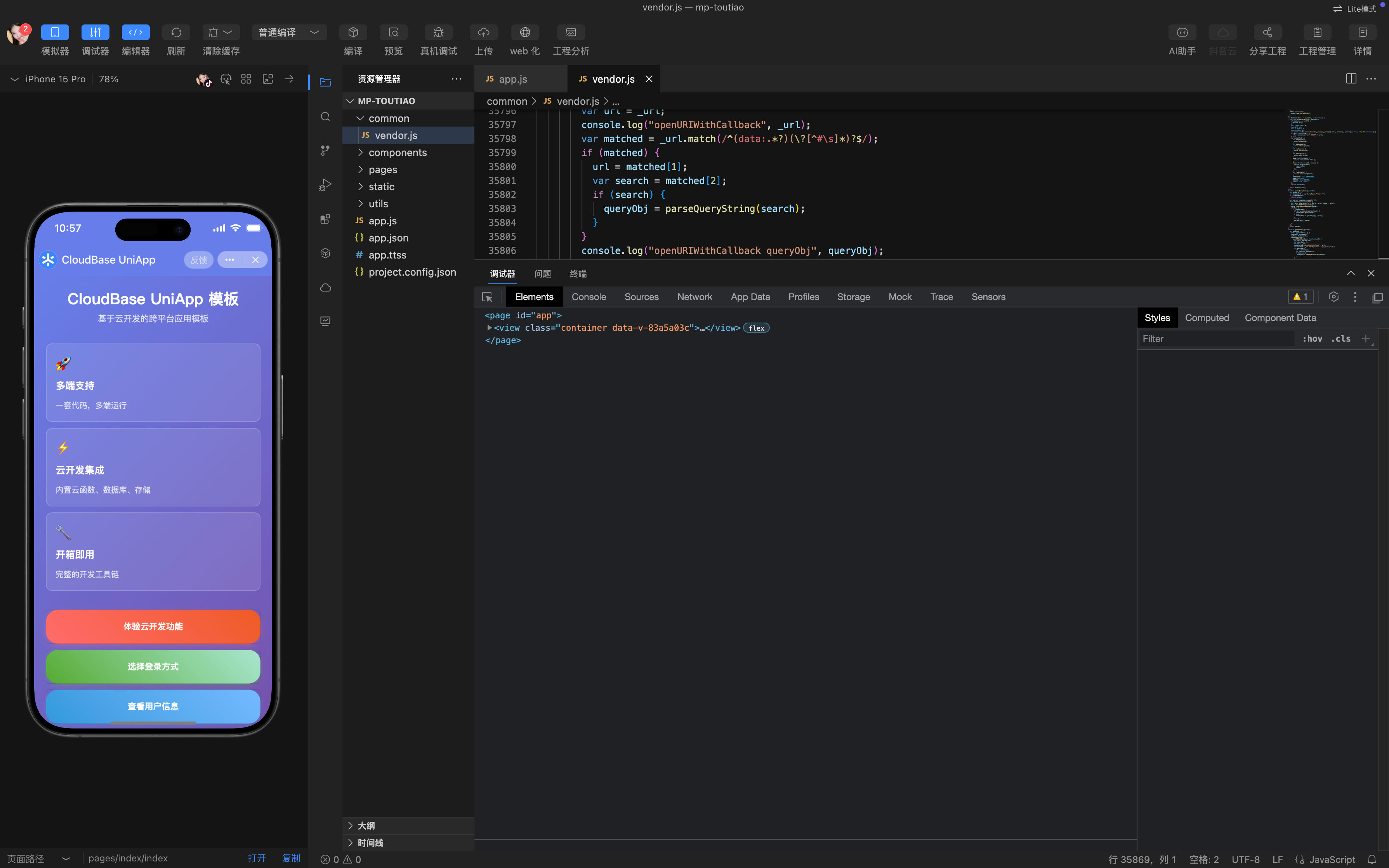
The display on each platform is as follows:
| H5 Client Side | WeChat Mini Program |
|---|---|
 |  |
| Alipay Mini Program | Douyin Mini Program |
|---|---|
 |  |
| Android and iOS |
|---|
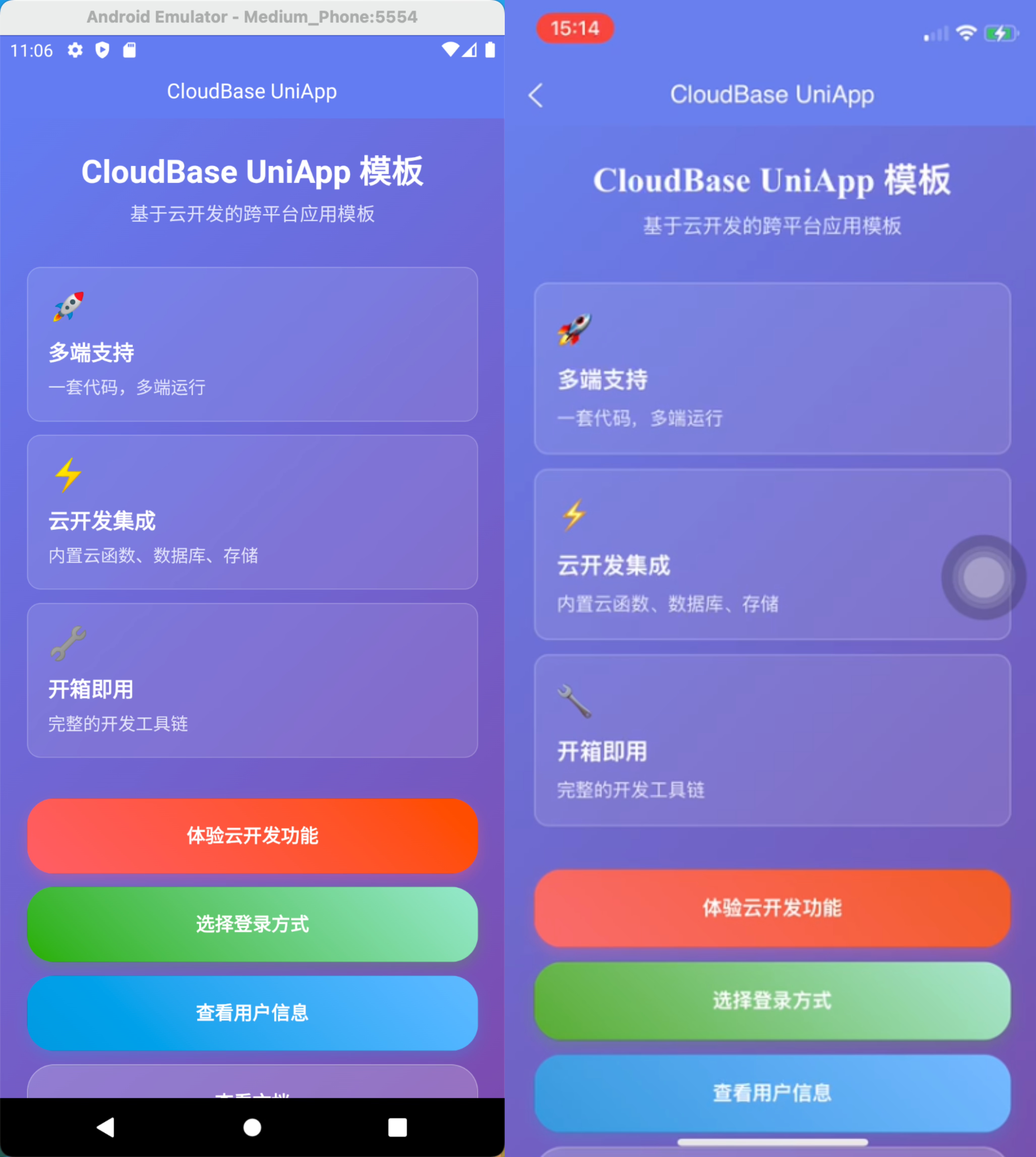 |
Installation
Install with npm:
npm install @cloudbase/adapter-uni-app
Quick Start
Adapter Configuration
If you need to use the login feature or custom configuration, you must pass the options parameter:
After being passed, optionscan be received and used within the adapter'sgenAdapter`. For detailed instructions, please refer to the Cross-Platform Development Guide.
- The
uniobject is required to handle the graphical captcha functionality.
import cloudbase from "@cloudbase/js-sdk";
import adapter from "@cloudbase/adapter-uni-app";

// Pass the configuration options
const options = {
  uni: uni, // Pass the uni object for graphical captcha functionality
};

cloudbase.useAdapters(adapter, options);

const app = cloudbase.init({
  env: "your-env-id", // Replace with your environment ID

  // Configuration is required only on the App side
  appSign: "your-app-sign",
  appSecret: {
    appAccessKeyId: 1,
    appAccessKey: "your-app-access-key",
  },
});

export default app;
adaptermust be called beforecloudbase.init().- If you need to implement login-related features, you must pass the
uniobject from UniApp. - The App side requires additional configuration of the application identifier and credential information.
Security Domain Configuration
During the usage of the CloudBase SDK, all requests sent to the CloudBase service require verification of the request source legitimacy. The following are the domain configuration methods for different platforms:
H5 Side
Development environment domain:
http://localhost:local port number
Production environment requires configuring your actual domain.
WeChat Mini Program
Configure in the WeChat Mini Program management backend: [Development] → [Development Management] → [Development Settings] → [Server Domains]
Valid request domain:
https://tcb-api.tencentcloudapi.com
https://your-env-id.<your-env-region>.app.tcloudbase.com
Valid uploadFile domain:
https://cos.ap-shanghai.myqcloud.com
Valid downloadFile domain:
https://your-env-id.tcb.qcloud.la
https://cos.ap-shanghai.myqcloud.com
Please replace your-env-id with your actual environment ID, and adjust the region according to the location of your CloudBase environment.
Alipay Mini Program
Development environment domain:
devappid.hybrid.alipay-eco.com
Douyin Mini Program
Development environment domain:
tmaservice.developer.toutiao.com
App-Side Configuration
In the CloudBase console, navigate to Environment Settings > Security Sources > Mobile Application Security Sources and add an application:
- Application Identifier:
your-app-sign - Application Credential:
your-app-access-key
const appConfig = {
  env: "your-env-id",
  appSign: "your-app-sign", // Application Identifier
  appSecret: {
    appAccessKeyId: 1, // Credential Version
    appAccessKey: "your-app-access-key", // Application Credential
  },
};
Development Environment Startup
# H5 Development
npm run dev:h5

# WeChat Mini Program Development
npm run dev:mp-weixin

# Douyin Mini Program Development
npm run dev:mp-toutiao

# Alipay Mini Program Development
npm run dev:mp-alipay

# App (iOS/Android) Development
# 1. Use HBuilderX to open the project
# 2. In the top menu bar, select [Run] -> [Run to Phone or Emulator] -> Select your device
Currently, stable support is provided for APP, H5, WeChat Mini Program, Douyin Mini Program, and Alipay Mini Program.
Graphical CAPTCHA Mechanism Description
In certain security-sensitive operation scenarios (such as user login), Tencent Cloud will require graphical CAPTCHA verification. The UniApp Adapter handles graphical CAPTCHA interactions through an event bus mechanism.
Workflow
- Trigger CAPTCHA - When CloudBase detects that graphical CAPTCHA is required, it automatically invokes the adapter's CAPTCHA handler function.
- Parse Data - The adapter parses the graphical CAPTCHA URL to extract image data, token, and status information
- Front-end Display - Display the graphical CAPTCHA on the front-end page via event notification
- User Input - The user views the CAPTCHA image and enters the answer
- Result Return - The front-end sends the user input result back to the adapter via an event
- Complete Verification - The adapter receives the result and proceeds with subsequent processes
Internal Implementation of Graphical CAPTCHA Handling in the Adapter
Inside the adapter, the passed-in uni object can be accessed to send graphical CAPTCHA data via the event bus:
function genAdapter(options) {
  const adapter: SDKAdapterInterface = {
    // Other adapter configurations...

    captchaOptions: {
      // When it is detected that a captcha is required, this function is automatically triggered.
      // _url is a string containing parameters such as the captcha image, token, state, etc.
      openURIWithCallback: (_url: string) => {
        // Use the passed-in uni object inside the adapter
        const uni = options.uni

        // Parse the captcha parameters in the URL
        const { captchaData, state, token } = cloudbase.parseCaptcha(_url)

        return new Promise((resolve) => {
          console.log('Waiting for captcha input...')

          // Send captcha data to the frontend
          uni.$emit('CAPTCHA_DATA_CHANGE', {
            state,      // Captcha state identifier
            token,      // captcha token
            captchaData // Base64-encoded captcha image
          })

          // Listen for the captcha verification result
          uni.$once('RESOLVE_CAPTCHA_DATA', (res: {
            captcha_token: string
            expires_in: number
          }) => {
            resolve(res)
          })
        })
      }
    }
  }

  return adapter
}
Frontend Captcha Processing
In your UniApp page, you need to listen for captcha events and handle user input:
// Listen for captcha events in the page
uni.$on("CAPTCHA_DATA_CHANGE", ({ state, token, captchaData }) => {
  console.log("Received captcha data", { state, token, captchaData });

  // Update the local captcha state
  captchaState = { state, token, captchaData };

  // Display the captcha image in the page...
});
Frequently Asked Questions
Q: Why should useAdapters be called before init?
A: Adapters need to be registered before SDK initialization to ensure the SDK correctly identifies the current runtime environment and uses the appropriate adapter.
Q: How to handle differences across different platforms?
A: The UniApp Adapter automatically detects the current runtime platform and applies corresponding adaptation logic, eliminating the need for developers to manually handle platform differences.
Q: How to customize the style of the Graphical CAPTCHA feature?
A: The display and interaction of the graphical CAPTCHA are entirely controlled by the developer. You can customize the style and interaction logic of the graphical CAPTCHA pop-up as needed.
Q: What CloudBase features are supported?
A: Supports all core features of CloudBase, including:
- Authentication (Anonymous login, Custom login, etc.)
- Databases (CRUD operations, Realtime Database, etc.)
- File storage (file upload, download, deletion, etc.)
- Cloud Function
- Cloud Hosting