WeChat Developer Tools Deployment
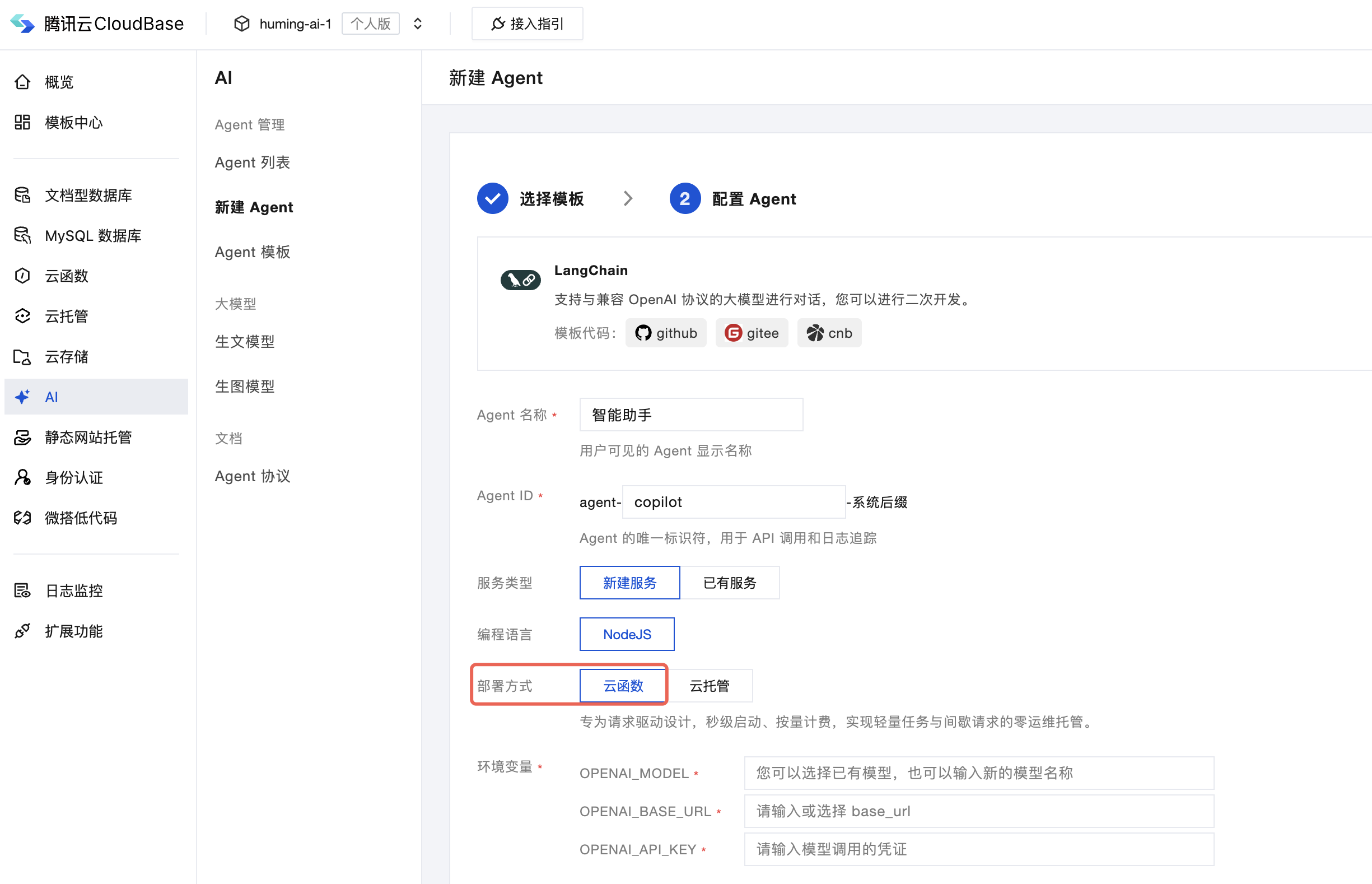
Create Agent
When creating an Agent on the web console, select "cloud function" to synchronize it to the WeChat Developer Tools for development.
Create a New Project
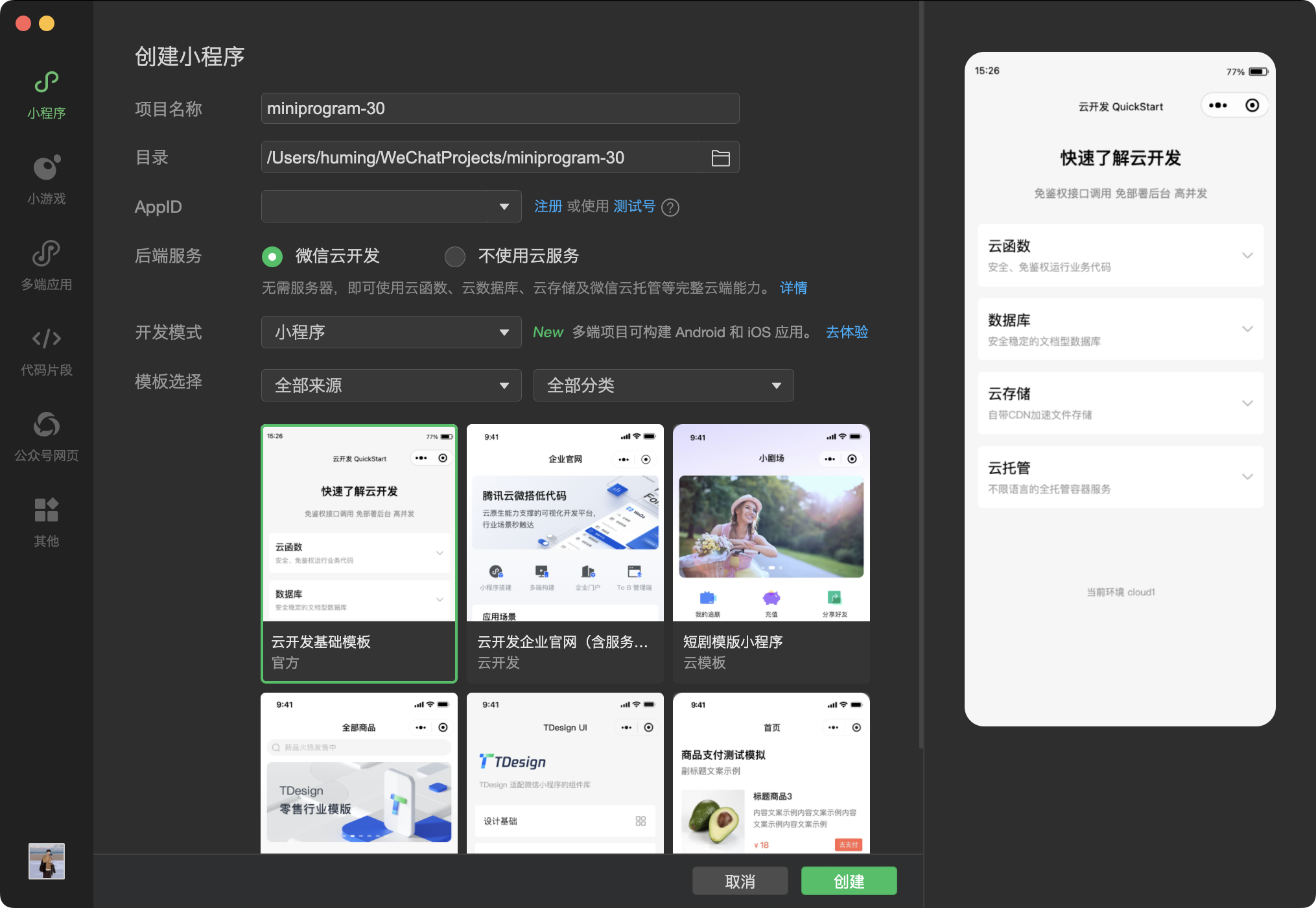
If you already have a project, you can skip this step.
Download the latest version of WeChat Developer Tools, then open and create a new project. Download address: https://developers.weixin.qq.com/miniprogram/dev/devtools/stable.html
Sync List
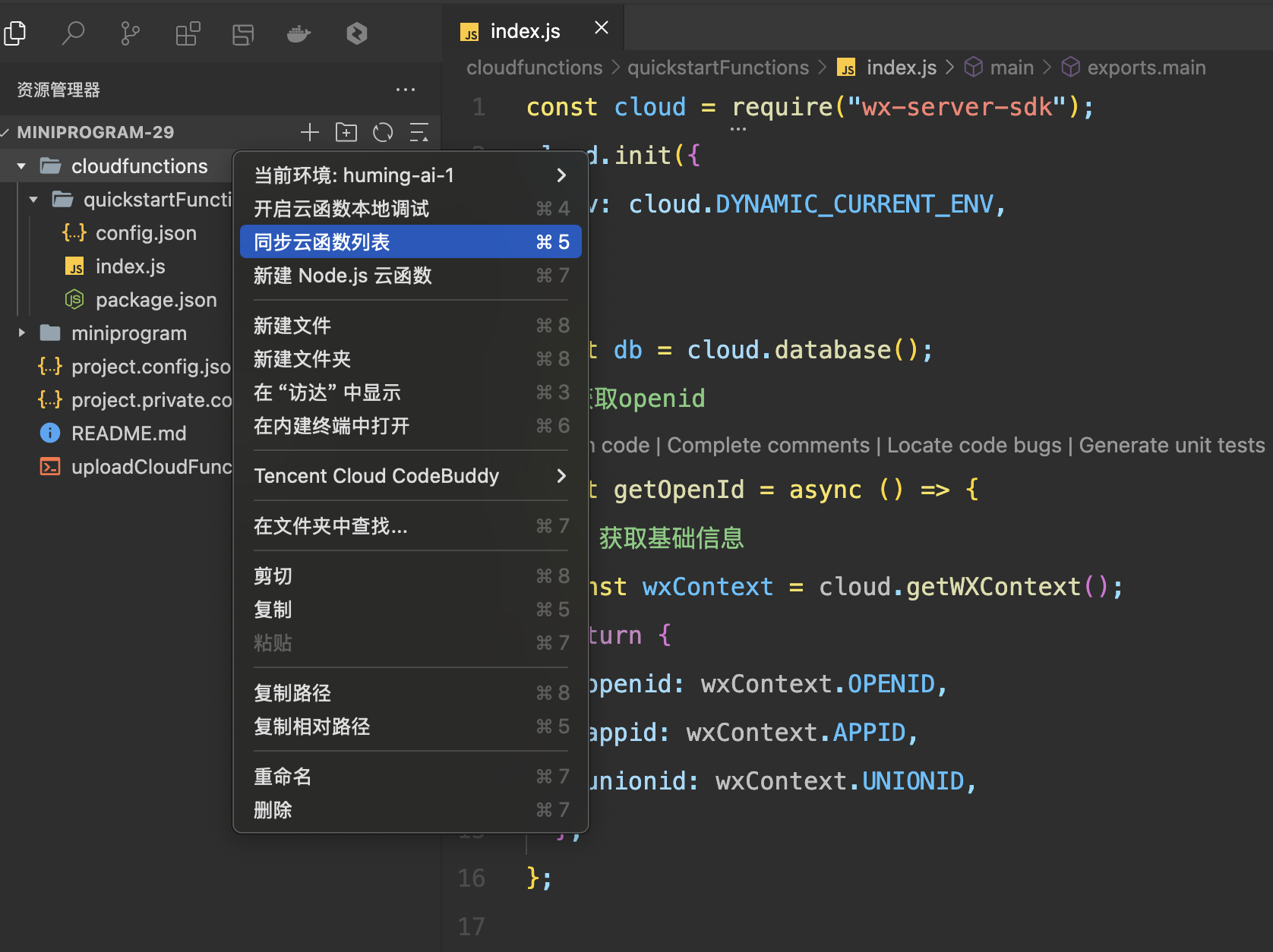
On the cloudfunctions folder, right-click and select "synchronize cloud function list".
Download Code
After synchronization is complete, you will see a cloud function with the same name as the AgentID. Select this cloud function and click "Download" to synchronize the code.
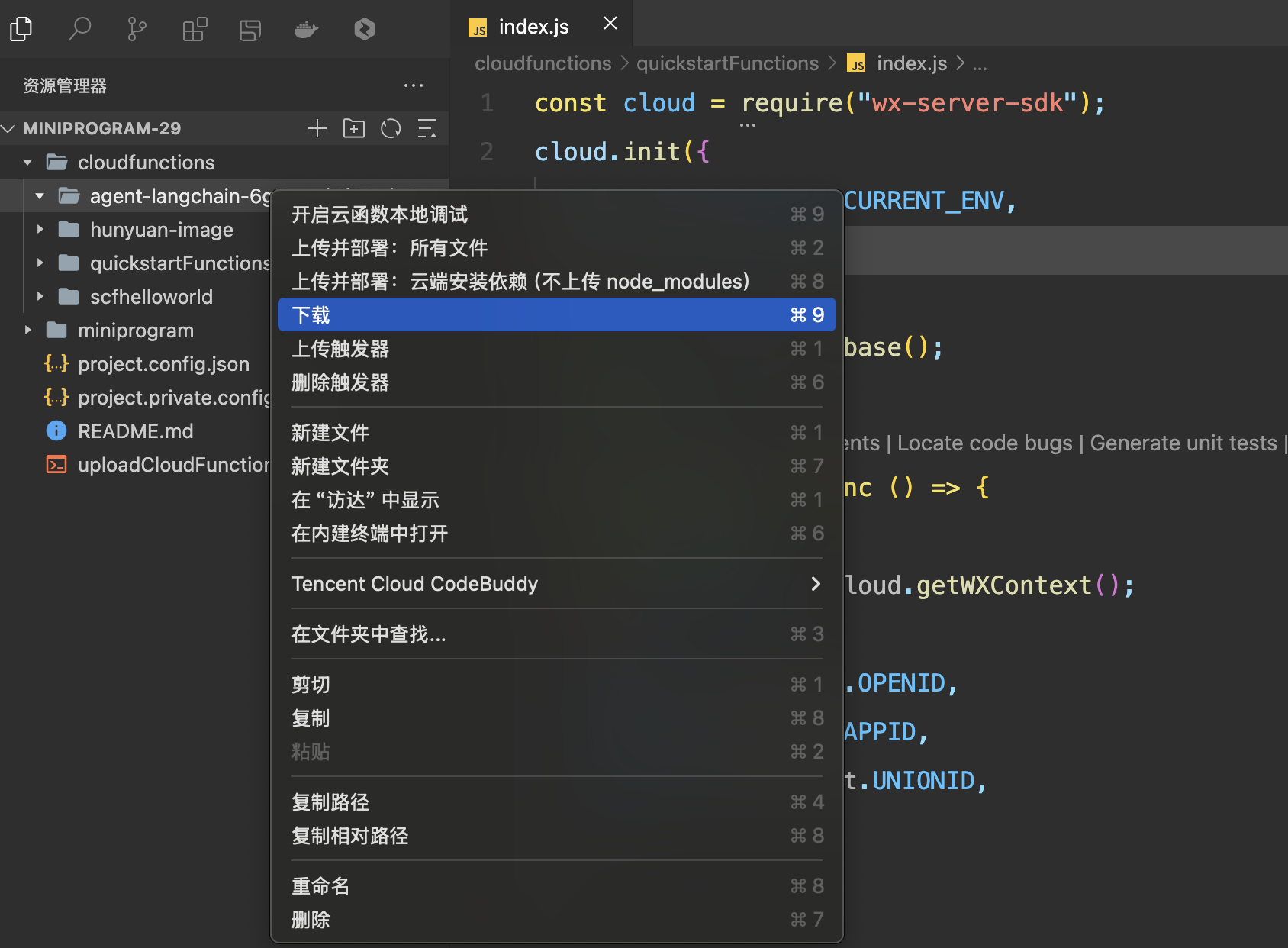
Sync Completed
After the code is downloaded, you can proceed with development in the WeChat Developer Tools.
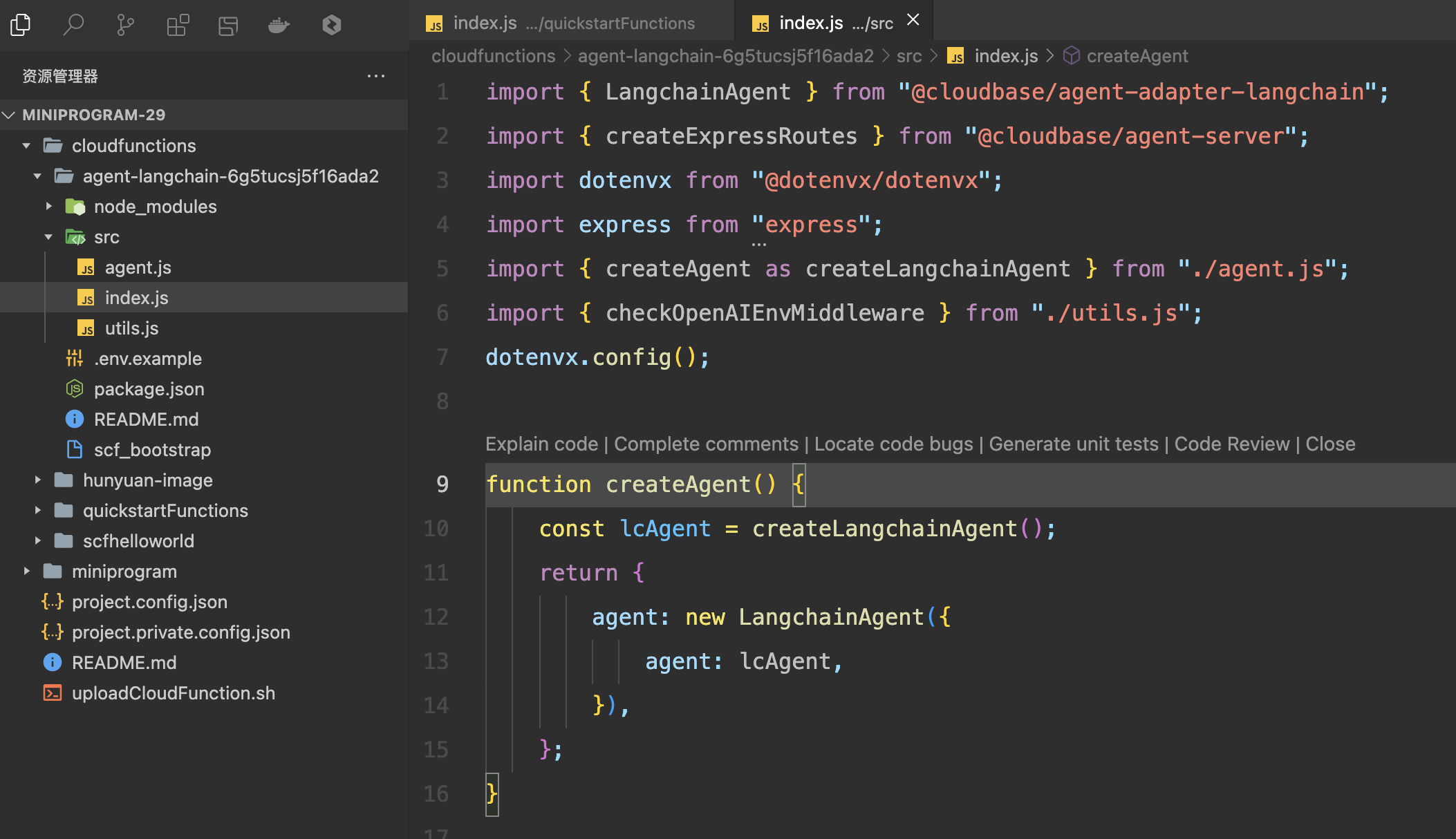
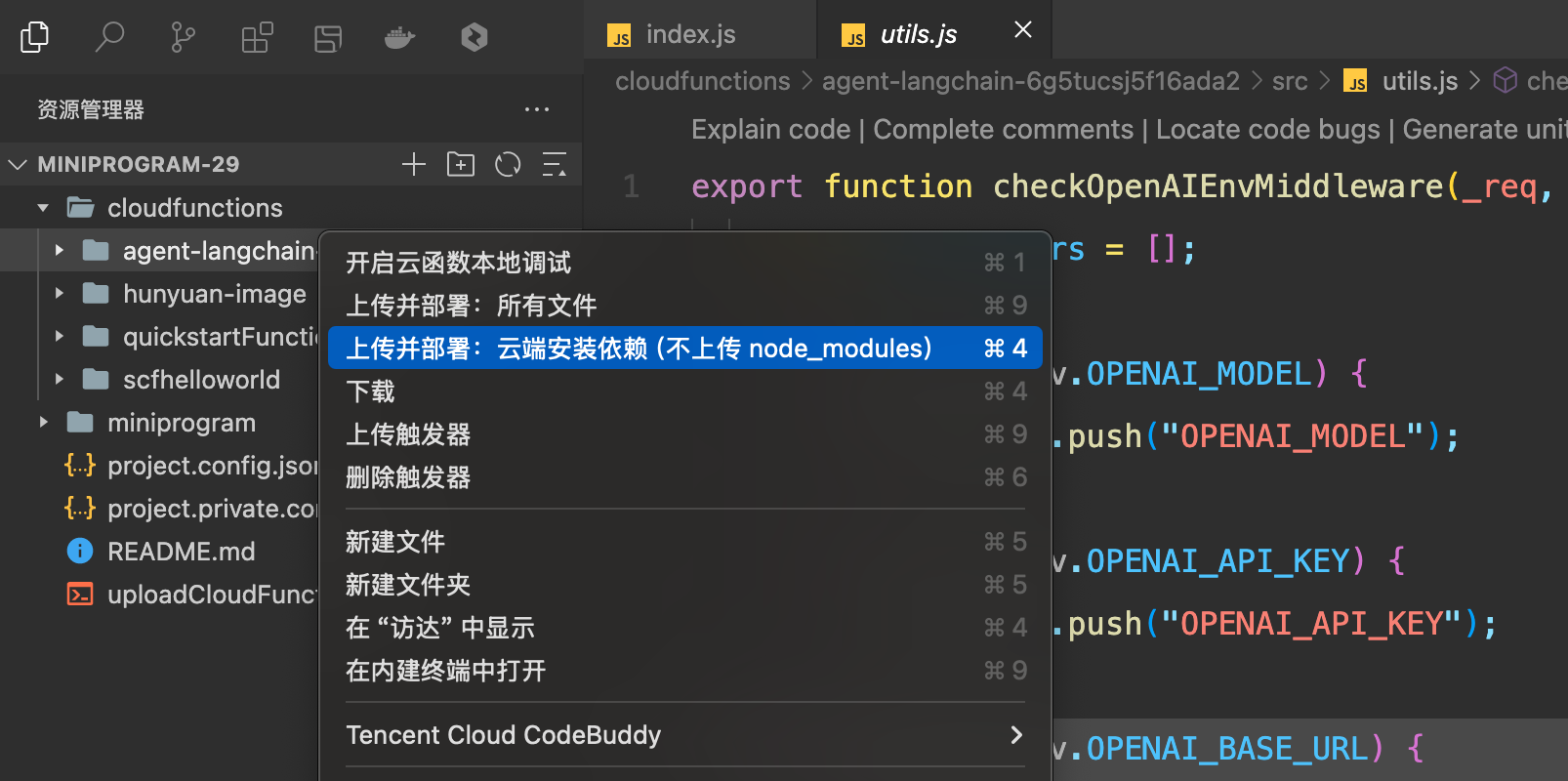
Deploy
Right-click on the agent folder and select "Upload and Deploy".